

How we picked the best wireless printers
We evaluated these top-rated wireless printers by testing real-world small business workflows. Our criteria focused on four practical areas: wireless reliability, print speed, ongoing cost efficiency, and ease of setup for teams.
Wireless connectivity is the backbone of any modern office. We prioritized models that maintain stable connections with multiple devices and offer robust mobile app support. Printers that drop connections or struggle with large file transfers were disqualified, as downtime directly impacts small team productivity.
Speed matters, but so does consistency. We looked for printers that handle burst printing without bottlenecks. Alongside speed, we analyzed ongoing ink or toner expenses, recognizing that high upfront costs are less relevant than low per-page costs for growing businesses.
Finally, we tested setup complexity. The best printers should connect to your network and install drivers with minimal friction. We favored models with intuitive mobile apps and cloud integration, ensuring that employees can print from their desks or phones without IT intervention.
Top-rated wireless printers compared
Choosing the right top-rated wireless printers for your small business often comes down to two main factors: how you print and how much volume you handle. Laser printers excel at speed and low cost-per-page for text documents, while inkjet models offer versatility for color graphics and photos.
The table below breaks down the key specifications of four reliable contenders. These models represent the best balance of connectivity, duty cycle, and functionality for small teams.
| Model | Type | Monthly Duty Cycle | Wireless | Best Use Case |
|---|---|---|---|---|
| Brother HL-L2480DW | Monochrome Laser | Up to 30,000 pages | Wi-Fi, Ethernet | High-volume text documents |
| Brother MFC-J1215W | Color Inkjet | Up to 1,500 pages | Wi-Fi, USB | Low-volume color documents |
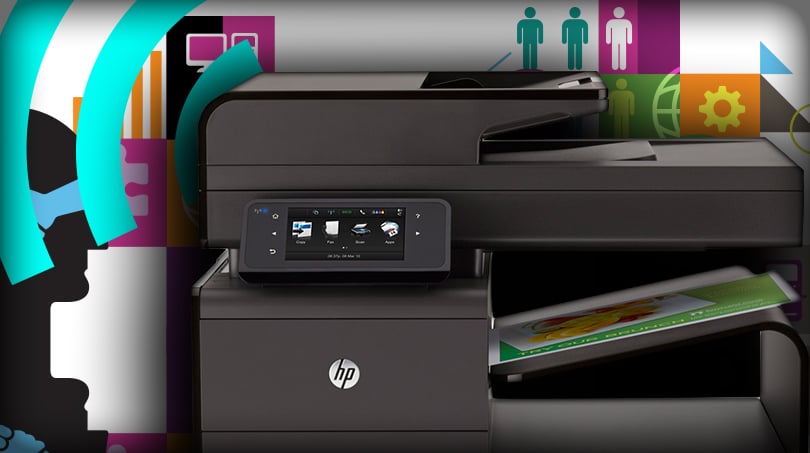
| HP OfficeJet Pro 9125e | Color Inkjet | Up to 20,000 pages | Wi-Fi, Ethernet, USB | Home office with mixed media |
| Brother HL-L2460DW | Monochrome Laser | Up to 15,000 pages | Wi-Fi, Ethernet | Budget-conscious text printing |
Best all-around wireless laser printer
The Brother HL-L2480DW stands out as the best all-around wireless laser printer for small businesses that prioritize reliability and low maintenance. It handles high-volume text documents with a monthly duty cycle of up to 30,000 pages, making it suitable for busy offices.
This monochrome laser model offers fast print speeds and robust Wi-Fi and Ethernet connectivity. It supports mobile printing via the Brother iPrint&Scan app, allowing employees to print directly from smartphones or tablets. The compact design fits easily on standard desks, and the automatic duplex printing feature helps save paper.
While it lacks color printing capabilities, its strength lies in consistency and cost efficiency. Toner cartridges last longer than ink cartridges, reducing the frequency of replacements. For teams that primarily print text-based documents like invoices, reports, and contracts, this printer delivers professional results with minimal downtime.
Best inkjet for low-cost eco-friendly printing
Tank-style inkjet printers are the most practical choice for small businesses that want to reduce waste and lower long-term printing costs. Instead of buying expensive replacement cartridges, these models use refillable ink tanks that hold enough ink to print thousands of pages. This approach eliminates the constant cycle of disposing empty cartridges and paying premium prices for low-yield ink, making it a smarter, more sustainable option for daily operations.
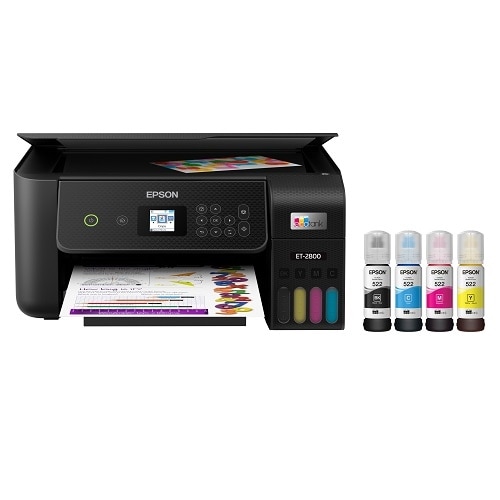
The Epson EcoTank ET-2800 is a standout option for this category. It is a wireless color all-in-one that supports mobile printing and offers a compact footprint suitable for small offices. By switching to refillable ink, you significantly cut down on plastic waste and per-page expenses. The HP Smart Tank 6001 is another strong contender, featuring AI-enabled printing and including three years of ink in the box, which further reduces initial ownership costs.
These printers are ideal for businesses that print moderate volumes of color documents, photos, or marketing materials. The upfront cost is higher than standard cartridge printers, but the savings on ink over time are substantial. For a complete list of top-rated wireless printers in this eco-friendly category, see the options below.


As an Amazon Associate, we may earn from qualifying purchases.
Best Budget Wireless Printer for Light Use
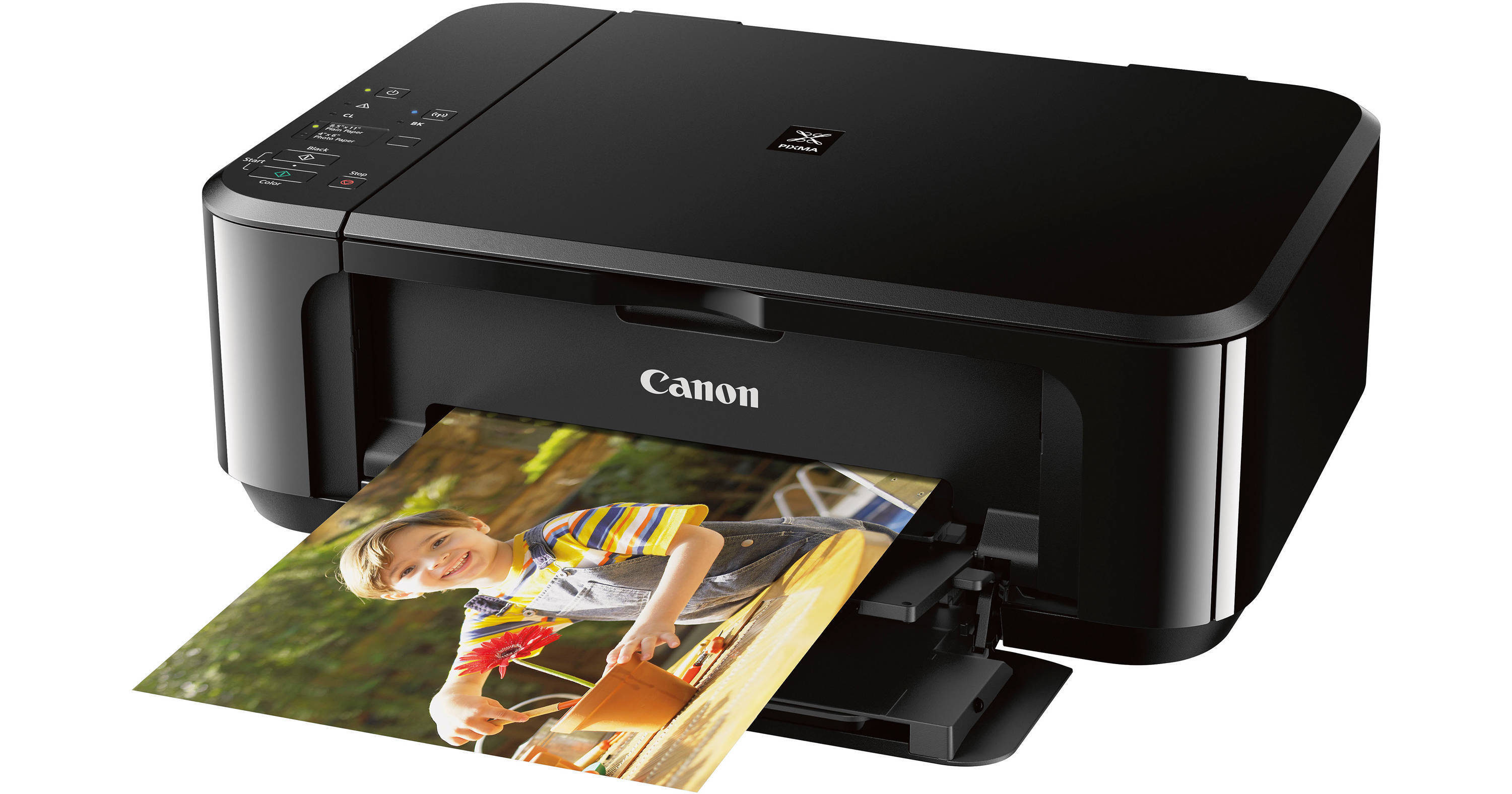
For freelancers or small businesses with minimal printing needs, a top-rated wireless printer doesn't need to be a powerhouse. You need a device that connects easily, prints occasionally without jamming, and keeps upfront costs low. The Canon PIXMA MG3620 fits this niche perfectly, offering reliable wireless connectivity and compact design for occasional document and photo printing.
This all-in-one inkjet model handles standard A4 documents and photos with decent clarity. Its wireless setup is straightforward, allowing you to print directly from smartphones or laptops without tangled cables. While it lacks the speed of laser printers, its simplicity and low entry price make it ideal for light home office use.
If you only print a few pages a month, the MG3620’s compact form factor saves desk space while providing essential scanning and copying functions. It’s a practical choice for those prioritizing ease of use and affordability over high-volume performance.


As an Amazon Associate, we may earn from qualifying purchases.
Setup tips for small business wireless printers
Getting your top-rated wireless printers on the network shouldn't take all day. A stable connection keeps your team productive, while basic security protects your business data. Follow these steps to get printing reliably from day one.
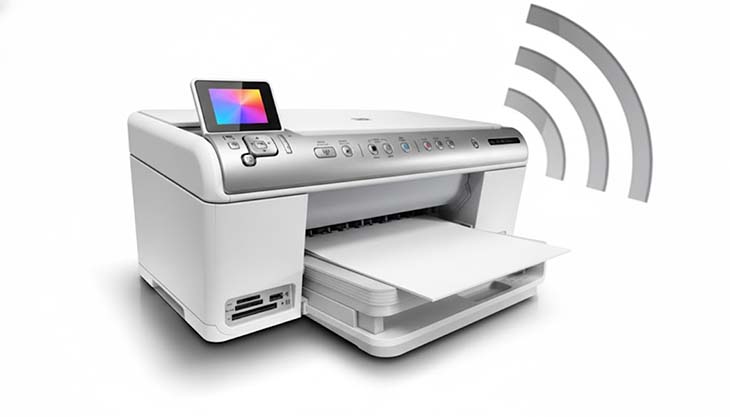
Avoid public or guest networks. Connect your printer to your business’s main 2.4GHz or 5GHz Wi-Fi band. Use WPA2 or WPA3 encryption to keep unauthorized users off the network. This simple step prevents data interception and keeps your print jobs private.
Download the official drivers from the manufacturer’s website for each computer that will use the printer. Avoid generic Windows drivers, which often lack advanced features. Installing the correct software ensures full functionality for scanning, copying, and mobile printing.
Set up cloud services like HP Smart, Epson Connect, or Canon PRINT. These allow employees to print directly from phones and tablets without needing to install extra apps on every device. Test a print job from a mobile device to confirm the connection is stable.
Check for firmware updates monthly. Manufacturers release patches to fix bugs and close security vulnerabilities. Enable automatic updates if your printer supports them. Keeping the firmware current ensures your wireless printers run smoothly and securely over time.
Frequently asked questions about wireless printers
Which top-rated wireless printer is best for small business reliability?
For small offices that need consistent uptime and minimal maintenance, the Brother MFC-L8930CDW is widely regarded as one of the best wireless color laser all-in-one printers. Laser technology handles high-volume document printing without the clogging issues common in inkjets, making it a reliable workhorse for daily business tasks like invoices and contracts.
Do wireless printers use a lot of ink?
Ink consumption depends heavily on the printer type. Inkjet models are economical for color photos but can run out of ink quickly if you only print black-and-white text. Laser printers, like the Brother MFC-L8930CDW, use toner cartridges that last significantly longer for text-heavy documents, often reducing the cost per page for standard business correspondence.
Are there eco-friendly wireless printer options?
Yes, many modern top-rated wireless printers focus on sustainability. Look for models with ENERGY STAR certification, which ensures lower power consumption during operation and standby modes. Additionally, laser printers typically generate less waste over time because toner cartridges have a higher page yield than standard ink cartridges, meaning you replace them less frequently.
No comments yet. Be the first to share your thoughts!