

Why color laser beats ink for offices
For small business environments that produce color documents regularly, color laser printers offer a distinct operational advantage over inkjet models. The primary driver is cost-per-page. While inkjet cartridges may appear cheaper upfront, toner cartridges last significantly longer, especially when printing text-heavy business documents like contracts, reports, and proposals.
Reliability is the second factor. Laser printers use dry toner powder, which does not dry out or clog like liquid ink. This means the printer is ready to print immediately after sitting idle, avoiding the wasted ink and time associated with cleaning print heads—a common frustration with inkjet systems.
Speed also favors laser technology. A typical color laser printer, such as the Brother MFC-L3780CDW, can output pages in seconds, keeping office workflows moving without bottlenecks. This efficiency is critical for small teams where downtime directly impacts productivity.
When evaluating options, look for models with high monthly duty cycles and fast print speeds. The Brother MFC-L3780CDW is often cited for its balance of quality and low print costs, making it a strong contender for budget-conscious businesses.


As an Amazon Associate, we may earn from qualifying purchases.
Best all-in-one color laser printer
For most small businesses, a machine that handles printing, scanning, and copying saves valuable desk space and simplifies workflow. The Brother MFC-L3780CDW stands out as the best overall value in this category, balancing high-quality output with manageable operating costs.
This printer delivers sharp text and vibrant color graphics suitable for client proposals and marketing materials. It features a relatively low cost per page compared to many competitors, which helps keep monthly overhead predictable. The wireless connectivity allows multiple staff members to print from laptops or mobile devices without cabling issues.
The automated document feeder streamlines scanning multi-page contracts or invoices, while the intuitive control panel makes copying straightforward for non-technical users. While it lacks some advanced enterprise security features, it provides all the core functions a growing office needs.


As an Amazon Associate, we may earn from qualifying purchases.
Best compact printer for tight spaces
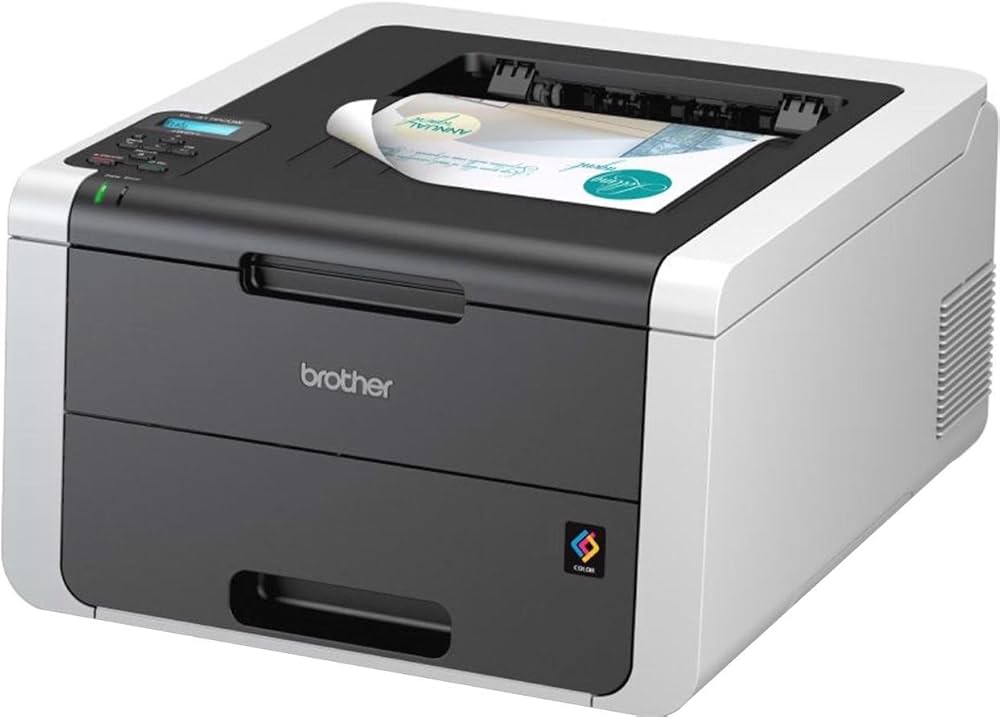
When office square footage is limited, a bulky all-in-one machine often becomes the most inconvenient piece of equipment. The Brother HL-3170CDW solves this by offering a true color laser experience in a footprint that fits neatly on a crowded desk or in a small utility closet. It prioritizes the core function—fast, high-quality color printing—without the unnecessary bulk of scanning or copying hardware that most small businesses rarely use.
Despite its smaller size, this printer does not compromise on speed. It delivers up to 22 pages per minute, ensuring that invoice batches and marketing flyers don't bottleneck your workflow. The toner yield is equally practical, with standard cartridges capable of printing roughly 1,500 pages, which keeps maintenance interruptions minimal for a low-volume operation.
The Brother HL-3170CDW stands out because it removes the friction of finding space without sacrificing the durability expected from laser technology. For teams that need reliable color output but lack the room for a large multifunction device, this model provides the necessary performance in a package that respects your floor plan.
Best budget-friendly standalone printer
When your small business only needs to output documents and doesn't require scanning or copying, a standalone color laser printer is the most cost-effective choice. By removing multifunction hardware, you lower the initial purchase price and reduce the mechanical complexity that often leads to costly repairs down the line.
The Brother HL-L2460DW is the standout option in this category. Although technically a monochrome (black and white) laser printer, it is frequently cited by reviewers as the best budget pick for businesses that primarily print text documents. It offers reliable wireless connectivity, automatic duplex printing, and a high-yield toner cartridge that keeps per-page costs low. For many small offices, the savings on the upfront hardware and consumables far outweigh the need for occasional color prints.
If color output is non-negotiable but you still want to avoid the premium of a multifunction unit, look for entry-level models from Brother or Xerox that prioritize print speed and toner yield over extra features. These machines are designed for high-volume text output and often lack the complex scanners that drive up the price of all-in-one devices. Focus on printers with a minimum print speed of 20 pages per minute to ensure they don't become a bottleneck during busy periods.


As an Amazon Associate, we may earn from qualifying purchases.
| Model | Type | Speed (ppm) | Connectivity |
|---|---|---|---|
| Brother HL-L2460DW | Monochrome | 32 | Wi-Fi, USB |
| Brother HL-L3270CDW | Color | 25 | Wi-Fi, Ethernet, USB |
| Xerox B210 | Color | 24 | Wi-Fi, Ethernet, USB |
Checklist for choosing your printer
Selecting the right affordable color laser printer requires balancing upfront cost with long-term operational expenses. A machine that prints fast but consumes expensive toner will drain your budget faster than a slower model with high-yield cartridges. Use this checklist to evaluate options against your specific small business volume and feature needs.
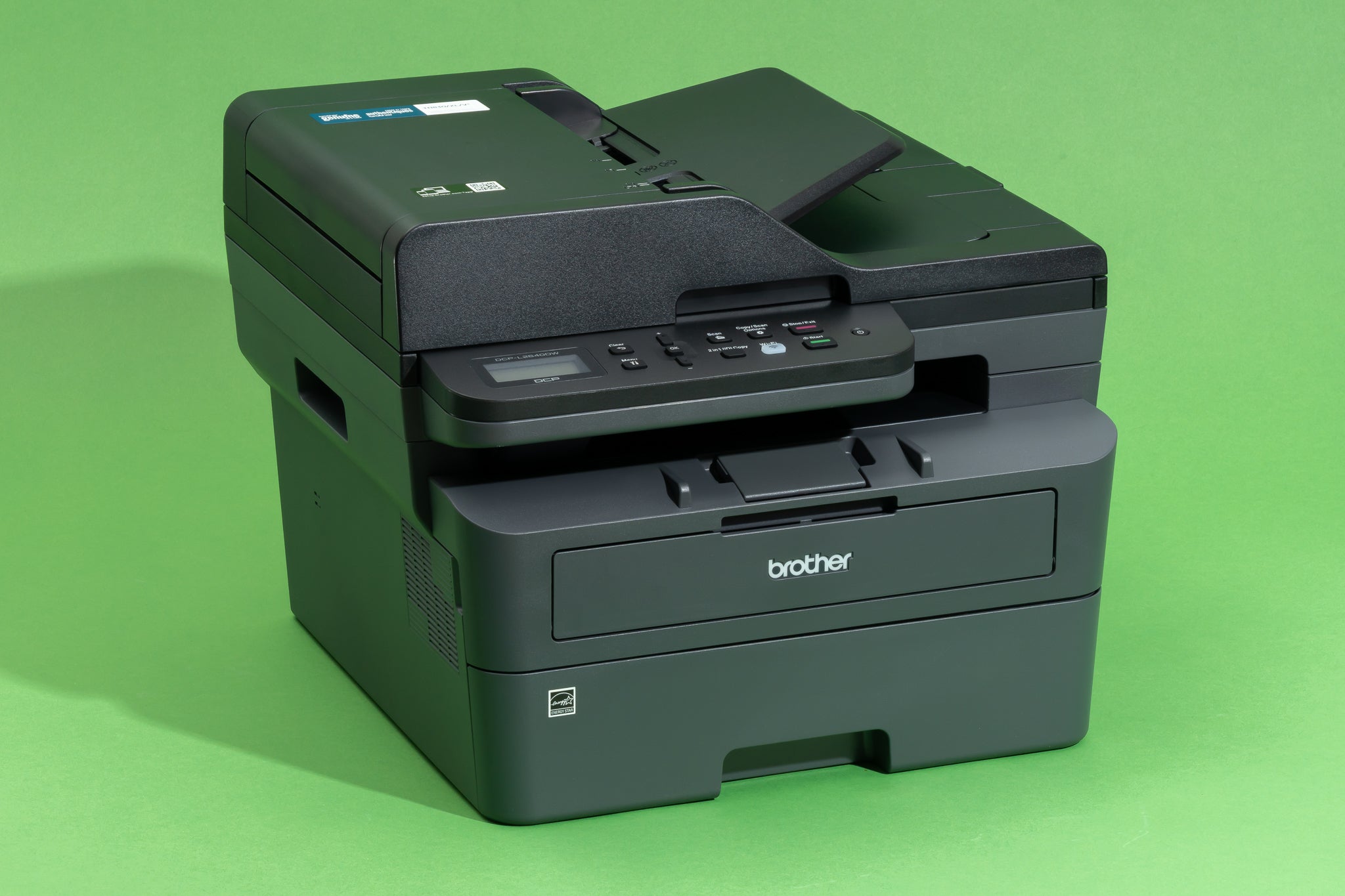
Look at the manufacturer’s stated monthly duty cycle, but ignore the maximum limit. Instead, focus on the recommended monthly volume. If you print over 1,000 pages a month, a desktop model like the Brother HL-L3280CDW may wear out quickly. Choose a business-grade unit with a higher duty cycle if your volume is consistent.
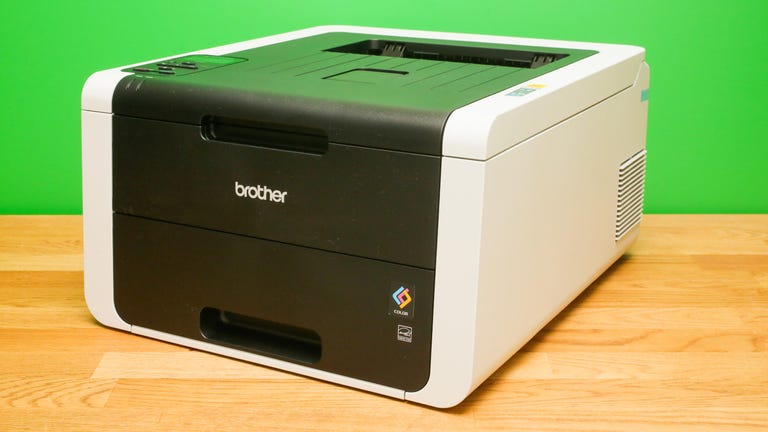
Calculate the cost per page (CPP) for both standard and high-yield toner cartridges. A printer with a lower purchase price often has higher CPP. For example, the Brother MFC-L8930CDW offers robust features, but verify if the toner replacement costs align with your budget before committing to the hardware.
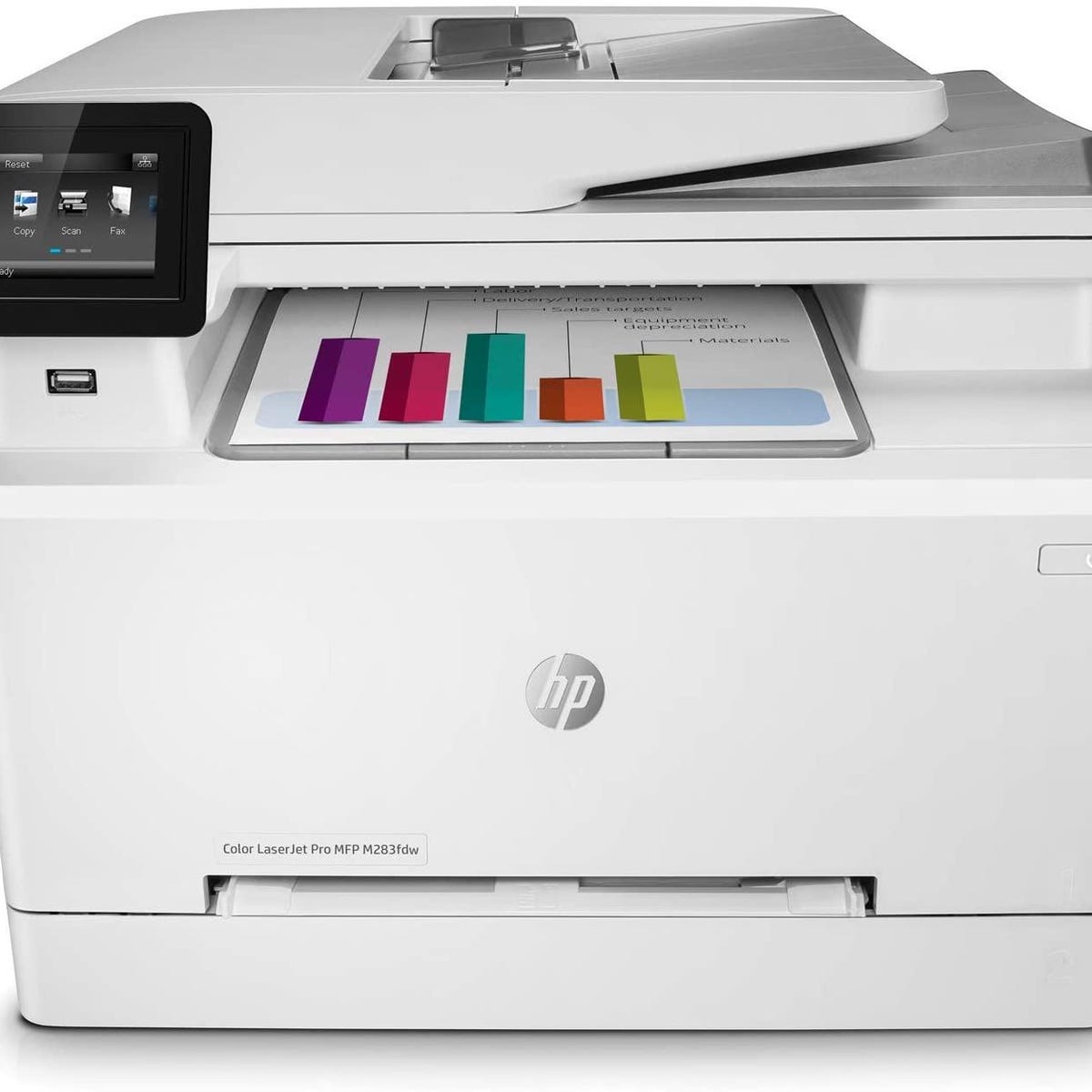
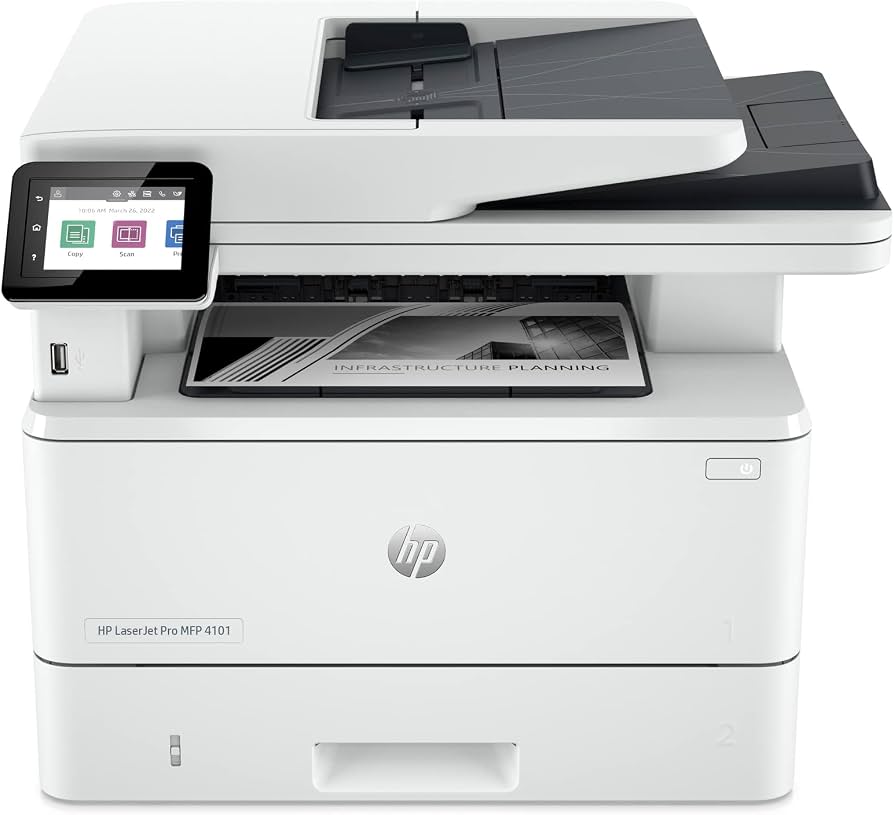
Ensure the printer supports wireless networking and mobile printing protocols like AirPrint or Mopria. If your team needs to scan documents directly to email or cloud storage, look for an all-in-one model with an automatic document feeder (ADF). The HP LaserJet Pro MFP 4101fdw is a strong candidate for this workflow.


As an Amazon Associate, we may earn from qualifying purchases.
Use this criteria list as a filter. If a model fails on toner cost or connectivity, move to the next option. Prioritize reliability and total cost of ownership over the initial sticker price to ensure your small business printer lasts for years.
Common questions about color laser printers
Small business owners often worry about the hidden costs and setup hurdles of switching from inkjet to laser. The upfront price is higher, but the per-page cost drops significantly once you factor in toner yields. Understanding how these machines handle daily office tasks—like printing color reports or handling wireless connections—helps you choose the right model for your workflow.
How much does toner actually cost?
Color laser printers use four separate toner cartridges (cyan, magenta, yellow, and black). While the initial replacement set is expensive, the cost per page is usually lower than inkjet cartridges. For example, the Brother MFC-L3780CDW is noted for having relatively low print costs, making it a budget-friendly option for high-volume color printing. Always check the page yield of replacement drums and toners before buying, as some models require separate drum replacements every few thousand pages.
Are wireless setup and mobile printing reliable?
Modern affordable color lasers, such as the Brother MFC-L3780DW, include built-in Wi-Fi and mobile printing apps. You can print directly from an iPhone or Android device without installing drivers on a computer. This is essential for small offices where staff move around frequently. Look for models that support AirPrint and Mopria for seamless connectivity. If you need to scan documents to email or cloud storage, ensure the printer supports direct network scanning rather than requiring a PC to be turned on.
Is color accuracy good enough for marketing materials?
For internal reports and presentations, standard color lasers are more than sufficient. However, if you need to print glossy marketing brochures or photos, the output may look slightly grainy compared to professional photo printers. The Brother MFC-L3780CDW, for instance, offers excellent output quality for general business use, but it is not a substitute for a dedicated photo printer. Stick to matte or standard glossy photo paper if you must print images, and always do a test print first to check color balance.
No comments yet. Be the first to share your thoughts!