

Pick the right printer type
Choosing between inkjet and laser technology is the first decision that impacts your bottom line. While inkjets are common for home use, laser printers generally offer a significantly lower cost per page for text documents. This makes them the smarter long-term investment for small businesses that print invoices, contracts, and reports daily.
Laser printers use toner, a fine powder that fuses to the paper. Unlike liquid ink, toner doesn't dry out if the printer sits idle for weeks. For a business that experiences bursts of printing activity followed by quiet periods, this reliability prevents the waste and expense of replacing dried cartridges. Although the upfront cost of a laser printer is higher, the savings on consumables usually offset that initial price within the first year of use.
Inkjets remain a viable option only if your business frequently prints high-quality color photos or graphics. For standard black-and-white text, the cost of ink cartridges adds up quickly. If you are printing mostly documents, the lower per-page cost of laser technology is the clear winner.
Best all-around wireless printers
Finding the right wireless printer for a small business is about balancing upfront cost with long-term efficiency. While inkjet models are cheaper to buy, laser printers often save money over time by producing less waste and requiring fewer cartridge replacements. For general office tasks like invoices, contracts, and shipping labels, a monochrome laser printer is usually the most cost-effective choice.
The following models are selected for their reliability, fast wireless connectivity, and low cost-per-page. They handle high-volume text printing without bogging down your network or requiring constant maintenance.


As an Amazon Associate, we may earn from qualifying purchases.
Eco-friendly options that reduce waste
Sustainable printing isn't just about using recycled paper; it's about choosing hardware that minimizes resource consumption from the start. Printers equipped with automatic duplexing (two-sided printing) and high-yield toner cartridges significantly cut down on paper waste and replacement frequency. This approach aligns with managed print services, which research suggests can save businesses up to 30% on overall print costs while reducing environmental impact.
When evaluating eco-friendly models, look beyond the base price to the total cost of ownership. Energy Star-rated devices and printers with sleep modes reduce electricity usage during idle periods. High-yield cartridges, while often more expensive upfront, lower the cost per page and reduce the number of plastic cartridges sent to landfills. The following comparison highlights how specific features contribute to both sustainability and long-term savings.
| Eco-Feature | Auto Duplexing | Cartridge Yield | Energy Efficiency |
|---|---|---|---|
| Automatic Duplexing | Yes | N/A | N/A |
| High-Yield Toner | N/A | High | N/A |
| Energy Star Certification | N/A | N/A | Certified |
| Sleep Mode | N/A | N/A | Low Power |
Implementing these features requires a shift in workflow. Encourage double-sided printing as the default setting for all documents and use grayscale for internal drafts. Over time, the reduction in paper purchases and toner replacements compounds into substantial cost savings, making eco-friendly choices a practical business strategy rather than just a moral one.
Easy setup printers for quick deployment
The biggest hidden cost in a small business printer isn't the ink; it's the IT time spent configuring it. If your team spends an hour wrestling with drivers and network settings, you've already lost money. The most cost-effective wireless printers are those that connect via mobile apps or plug-and-play Wi-Fi, allowing you to start printing within minutes of unboxing.
Look for models with dedicated business apps like HP Smart or Canon PRINT. These tools handle the complex wireless handshake automatically. You simply download the app, select your printer from the list, and let the software configure the network security. This approach eliminates the need for USB cables or manual IP address entry, which is often where errors occur.
Here are two models known for their straightforward wireless setup and reliable mobile integration:


As an Amazon Associate, we may earn from qualifying purchases.
Both options support direct Wi-Fi Direct, meaning you can connect your laptop or phone directly to the printer without a router if your office network is down. This feature is a lifesaver for quick, urgent jobs when the main network is congested or experiencing downtime. Prioritizing these connectivity features ensures your printing workflow remains uninterrupted and efficient.
Smart habits to lower printing costs
Choosing the right wireless printer is only half the battle. The other half lies in how you configure and use it. Small businesses can often slash their monthly printing expenses by 30% or more simply by adjusting default settings and enforcing basic usage habits. These changes require no new hardware, just a shift in workflow.
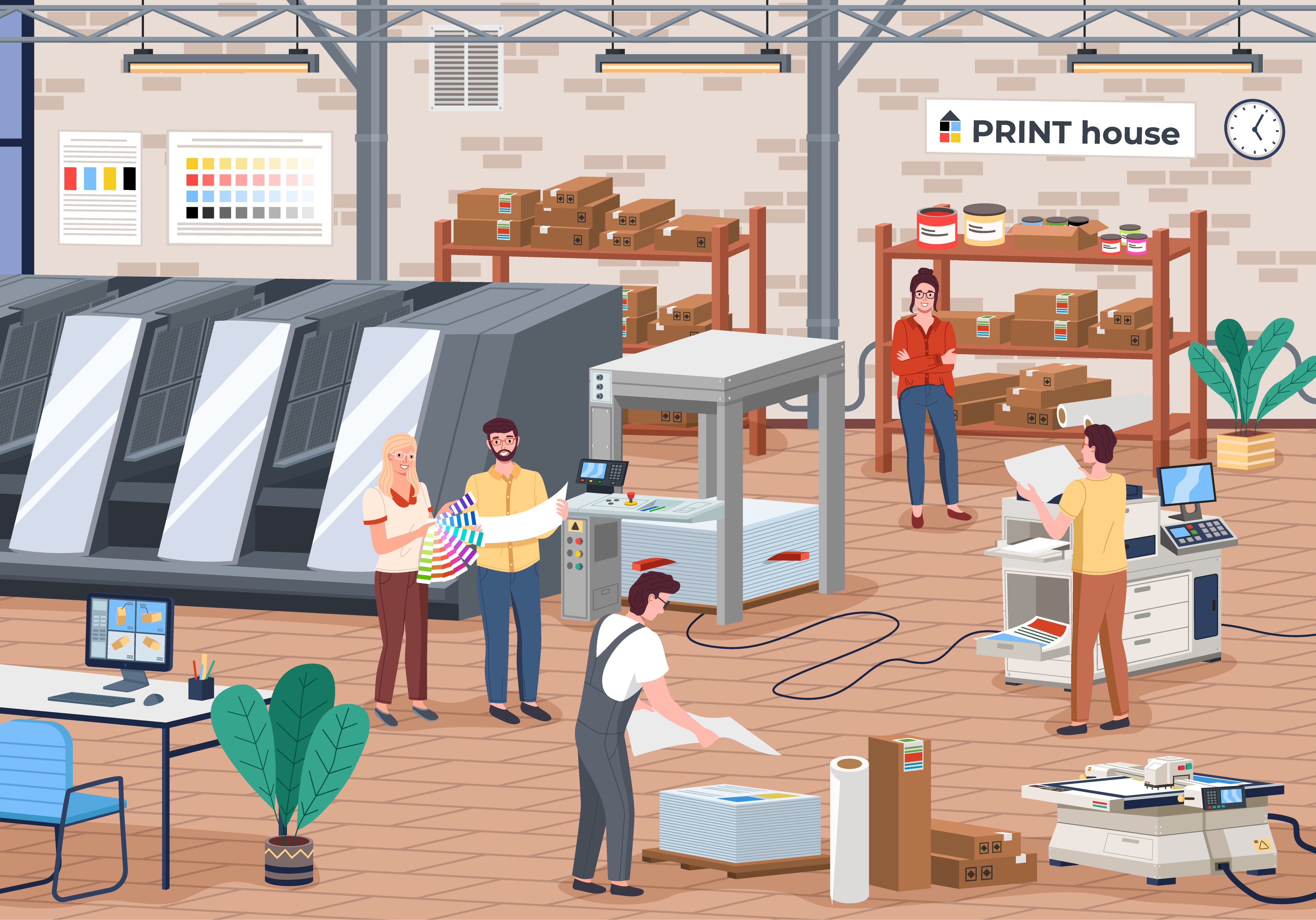
Color ink is significantly more expensive than black toner or ink. Most internal documents, drafts, and reports do not require color. Configure your wireless printers to default to grayscale or black-and-white mode. This single setting prevents accidental color printing for everyday tasks, which is where most ink waste occurs.
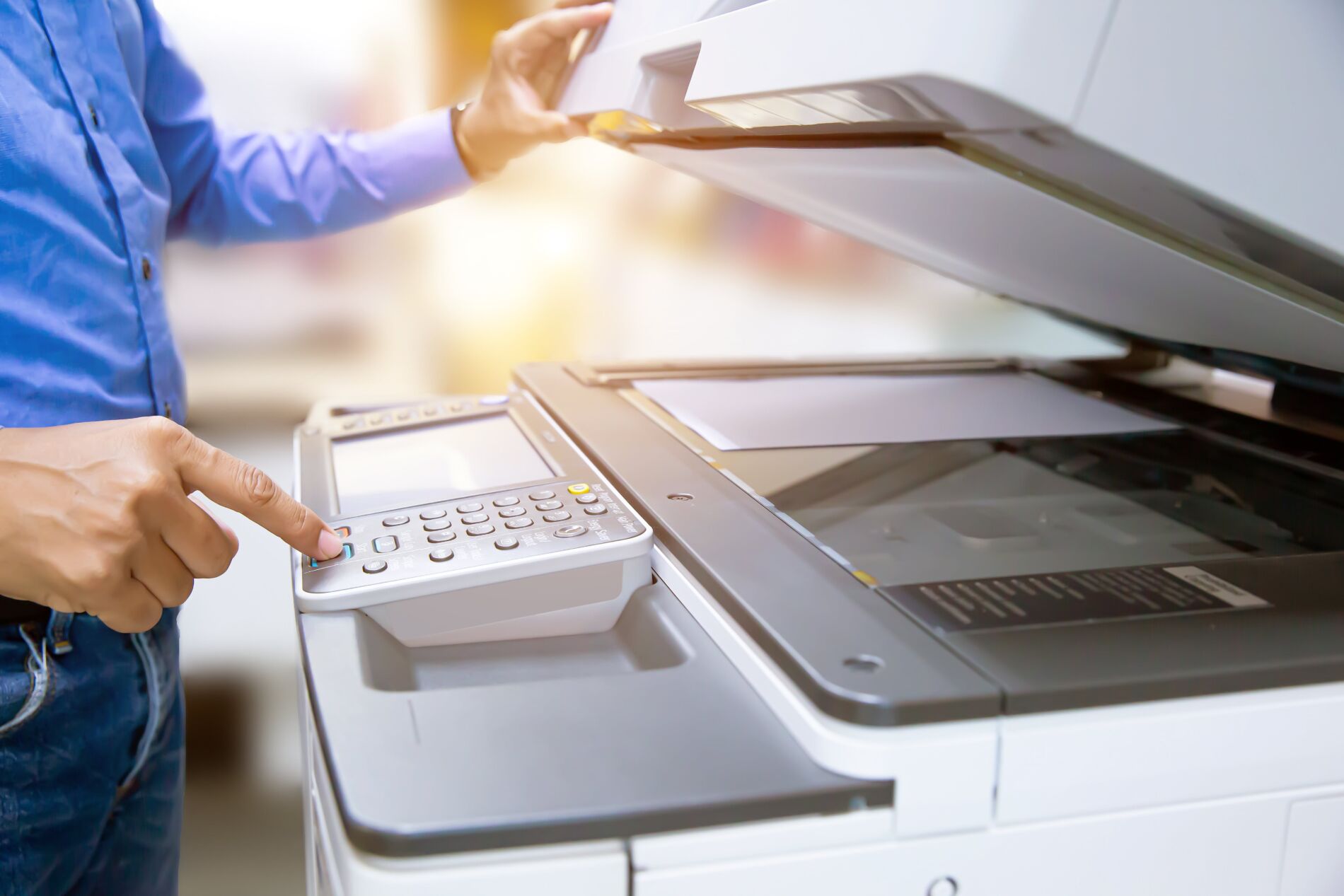
Paper is a recurring cost that adds up quickly. Enable duplex (double-sided) printing on all office printers. This reduces paper consumption by nearly half. For double-sided printing to work effectively, ensure your document templates are formatted correctly to avoid awkward margins or wasted space on the reverse side.
Many users print from web browsers or email clients with default settings that include headers, footers, and large margins. Set your default print preferences to remove unnecessary elements. Use "Fit to Page" or "Shrink to Fit" options to minimize white space. These small adjustments compound over hundreds of pages per month.
Unauthorized or forgotten print jobs waste ink and paper. Implement a secure print release system where documents are held in a queue until the user authenticates at the printer. This ensures that sensitive documents are not left in the output tray and that every printed page is intentional and collected.
These habits create a culture of efficiency. When combined with the right hardware, they ensure that your small business maximizes the value of every dollar spent on printing.
Frequently asked questions about saving on printing costs
How can a small business reduce its printing expenses?
The most effective way to cut costs is to switch to a wireless laser printer if you primarily print text documents. Laser technology generally offers a lower cost per page than inkjet models, especially for high-volume black-and-white output. Additionally, setting your default print settings to double-sided and grayscale ensures you aren't paying for color or paper you don't need.
Is it cheaper to print in black and white or color?
Black and white printing is significantly cheaper than color. Color toner and ink cartridges are more expensive and deplete faster. Unless your business materials require color, sticking to monochrome printing can reduce your supply costs by 50% or more. If you occasionally need color, consider outsourcing those specific jobs to a local print shop rather than maintaining color supplies in-house.
Does printing in bulk lower the per-unit cost?
Yes, but this applies more to outsourced commercial printing than in-house office printing. When ordering flyers or brochures from a vendor, larger quantities trigger volume discounts that lower the price per piece. For in-house printing, bulk savings come from buying toner in larger sizes or using third-party compatible cartridges, which often cost less than manufacturer originals while delivering similar page yields.
No comments yet. Be the first to share your thoughts!