
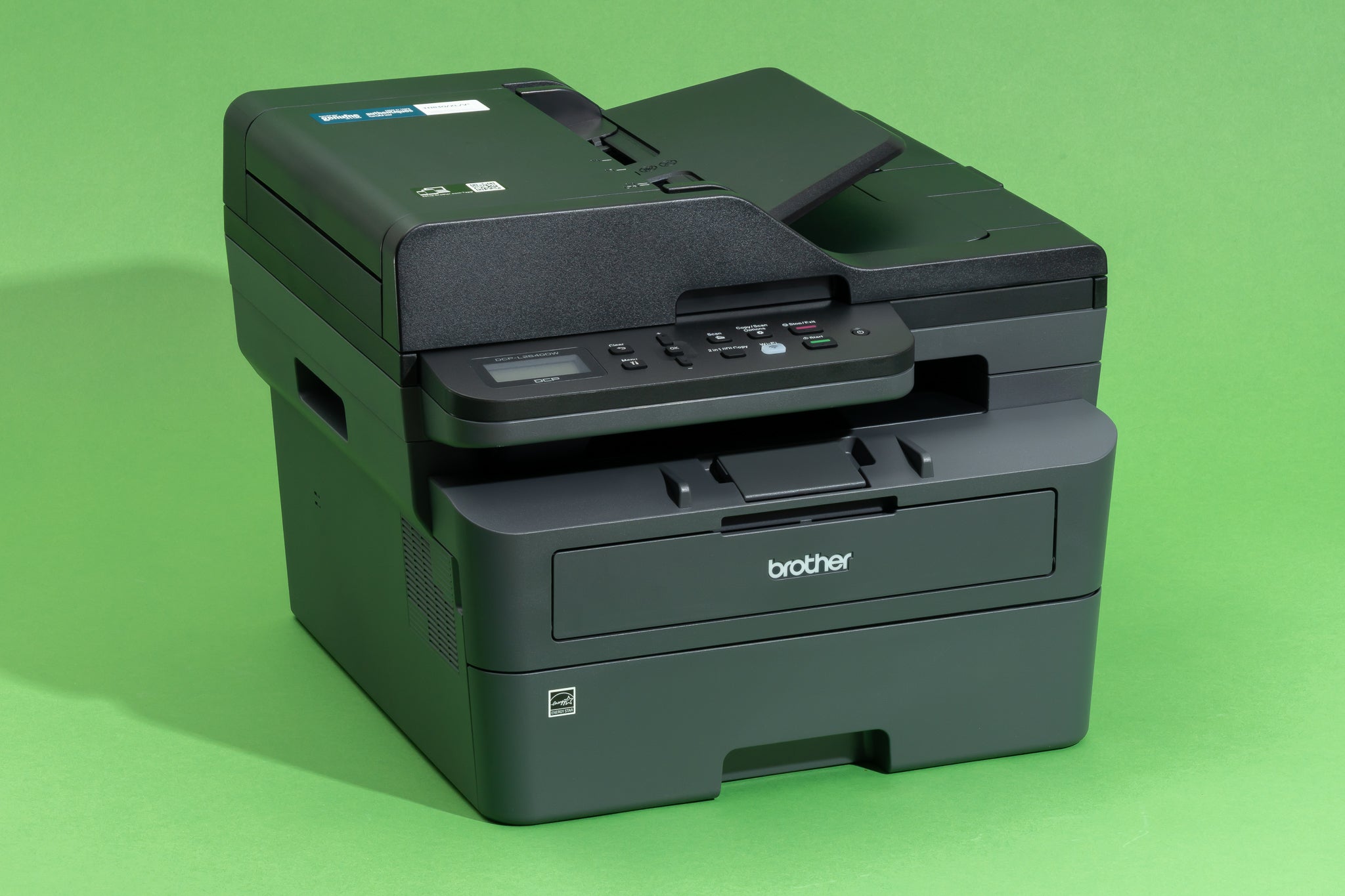

Why color laser beats ink for small teams
For small businesses, a color laser printer is the workhorse of the office. While inkjets are fine for occasional photo prints, they struggle with the daily demands of marketing materials, client proposals, and internal reports. The difference isn't just about speed; it is about reliability and total cost of ownership.
Inkjet printers often have a lower upfront price, but the cost of ink adds up quickly. Toner cartridges in color laser models last significantly longer and do not dry out if the printer sits unused for a week. This makes laser technology far more practical for teams that print in bursts rather than on a steady stream.
Speed is another major advantage. Color laser printers warm up faster and produce pages in seconds, keeping workflows moving. Modern affordable models, such as the Brother HL-L3270CDW or Xerox B210, offer professional-grade output without the enterprise price tag. These machines handle high-volume color printing efficiently, reducing downtime and keeping your team productive.
Top picks for budget-conscious buyers
Finding an affordable color laser printer for small business use means balancing upfront cost with long-term reliability. The models below offer the best mix of speed, connectivity, and duty cycle for teams that print color invoices, marketing materials, or reports without breaking the bank. We focused on devices that handle duplex printing and mobile workflows out of the box, ensuring they fit into modern office environments.


As an Amazon Associate, we may earn from qualifying purchases.
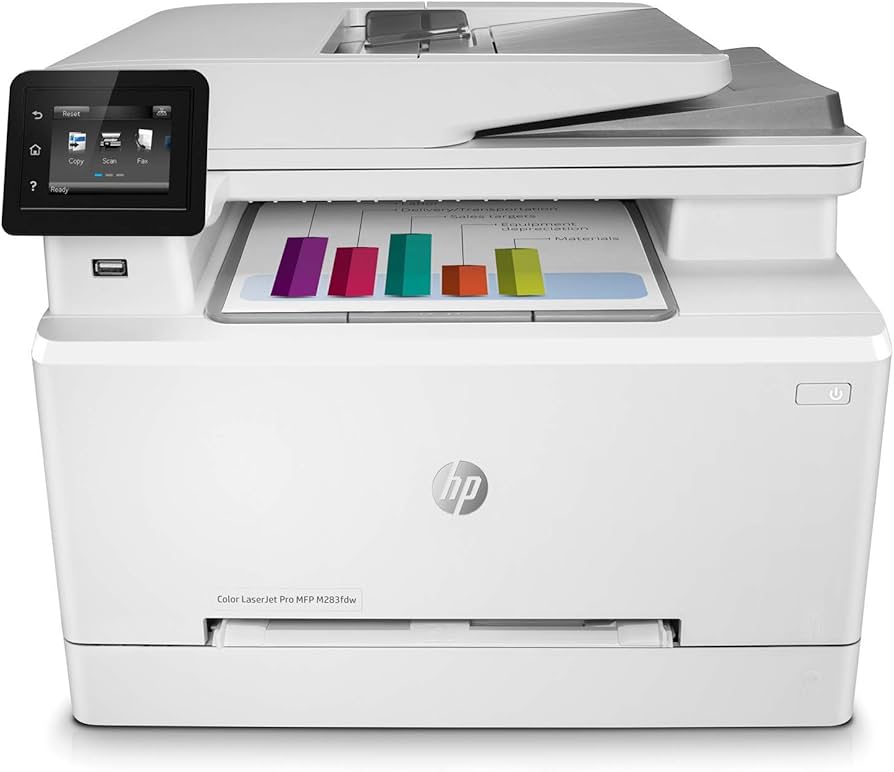
These printers prioritize core business needs over flashy extras. The Brother HL-L3280CDW is a standout for teams that need a dedicated, fast printer with automatic two-sided printing. For those who need scanning and copying capabilities, the HP M283fdw and Brother MFC-L8900CDW offer robust all-in-one features that keep desk space clear while handling color documents efficiently.
Key features to check before buying
When evaluating the best affordable color laser printers for small businesses, the price tag is only the starting point. You need to look at the long-term costs and daily usability to ensure the machine fits your workflow without breaking the bank. The following specifications are the most critical indicators of value.
Duplex printing and connectivity
Automatic duplex printing is a non-negotiable feature for any business trying to control paper costs. Manual double-sided printing is slow and prone to errors, often leading to wasted toner and paper. Look for models that handle both sides automatically. Connectivity is equally important; Wi-Fi and Ethernet support allow multiple employees to print from different devices without being tethered to a single computer.
Print speed and duty cycle
Print speed, measured in pages per minute (ppm), determines how quickly your team can get documents out. For a small office, a speed of at least 20 ppm is standard. More important is the monthly duty cycle—the maximum number of pages the printer can handle each month without wearing out. A higher duty cycle means the machine is built for sustained use rather than occasional home tasks.
Comparison of top models
The table below compares the key specifications of the top-rated models, including the Brother MFC-L2900DW and the Brother HL-L2460DW, which are frequently cited as dependable choices for small offices.
| Model | Type | Speed (ppm) | Auto Duplex | Connectivity |
|---|---|---|---|---|
| Brother MFC-L2900DW | Monochrome Multifunction | 32 | Yes | Wi-Fi, Ethernet, USB |
| Brother HL-L2460DW | Monochrome Single Function | 32 | Yes | Wi-Fi, Ethernet, USB |
| HP Color LaserJet Pro MFP M283fdw | Color Multifunction | 22 | Yes | Wi-Fi, Ethernet, USB |
| Canon Color imageCLASS MF656Cdw | Color Multifunction | 22 | Yes | Wi-Fi, Ethernet, USB |
Setting up for eco-friendly printing
Most small businesses treat color laser printers as black-and-white workhorses, but their hardware is actually built for efficiency if configured correctly. You can significantly cut energy consumption and paper waste by adjusting default settings rather than buying new equipment. The Brother MFC-L8930CDW and HP LaserJet Pro MFP 4101fdw both include robust management suites that make these changes straightforward.
Start by enabling duplex printing as the default. This single change halves your paper usage without affecting output quality. Next, install recycled toner cartridges where available. Many manufacturers, including Brother, offer compatible options that meet the same performance standards as OEM supplies while reducing plastic waste. If your workflow allows, switch to refilled cartridges for high-volume color jobs to further minimize landfill contribution.
Energy use is another hidden cost. Set your printers to enter sleep mode after just five minutes of inactivity. Modern lasers like the HP 4101fdw wake up in under ten seconds, so you won’t notice a delay, but the cumulative energy savings over a year are substantial. You can also enable "Eco-Mode" or "Quick Start" features, which reduce the warm-up time and power draw during idle periods.
These adjustments require less than ten minutes of setup time. The result is a leaner, greener office that aligns with sustainability goals without sacrificing the speed and color fidelity your business needs.
Common questions about color laser printers
Small business owners often worry that "affordable" means frequent repairs or expensive ink. While the upfront cost of a color laser printer is higher than an inkjet, the total cost of ownership usually drops significantly for moderate to high-volume printing.
Are toner cartridges expensive?
Toner lasts much longer than ink. A single set of color toner cartridges can print thousands of pages. For example, the Brother HL-L3270CDW offers a low cost per page, making it a strong candidate for businesses that print marketing materials or color reports regularly. While initial cartridges cost more, you replace them far less often.
Do color lasers require frequent maintenance?
Laser printers are generally low-maintenance. Unlike inkjets, toner does not dry out if you leave it unused for weeks. However, moving parts like fusers and drums do wear out. Choosing a model with user-replaceable parts, such as the Xerox B210, keeps long-term service costs down without needing a technician.
Is color accuracy reliable for small business branding?
For logos, brochures, and presentations, color lasers provide consistent, sharp results. While they may not match the photo-realism of high-end photo printers, they are more than sufficient for standard business graphics. Models like the HP Color LaserJet Pro M254dw are known for accurate color reproduction in everyday office tasks.
No comments yet. Be the first to share your thoughts!