

Why choose color laser over inkjet
For small businesses, the decision between color inkjet and affordable color laser printers often comes down to two factors: cost-per-page and durability. While inkjet printers may have a lower upfront sticker price, they quickly become expensive to operate. Ink cartridges dry out if left unused, leading to wasted supplies and frustrated users when a printer refuses to print because a single nozzle is clogged. Color laser printers, by contrast, use toner powder that does not dry out, making them far more reliable for businesses with sporadic printing needs.
The economic advantage of laser technology becomes clear when you look at the cost per page. Color inkjet cartridges often cost more than the paper they print on, whereas toner cartridges yield significantly more pages for a lower cost. This makes color laser printers the smarter long-term investment for any business that produces marketing materials, client proposals, or internal reports regularly.
| Feature | Color Inkjet | Color Laser | Small Business Impact |
|---|---|---|---|
| Upfront Cost | Lower ($100–$200) | Higher ($300–$500) | Laser requires a larger initial budget |
| Cost Per Page | High (Ink dries/clogs) | Low (Toner lasts longer) | Laser saves money over time |
| Reliability | Low (Nozzles clog) | High (Toner stays fresh) | Less downtime and waste |
| Print Speed | Slow | Fast | Faster turnaround for urgent jobs |
Choosing an affordable color laser printer means prioritizing total cost of ownership over the initial purchase price. You are buying a tool that works when you need it, without the constant maintenance headaches of inkjet technology. For a small business, that reliability is worth the extra upfront investment.
Top picks for budget color laser printers
Finding an affordable color laser printer that balances upfront cost with long-term reliability requires looking beyond the sticker price. For small businesses, the goal is to secure a machine that handles mixed media—contracts, marketing flyers, and internal reports—without frequent jams or expensive toner replacements. The following models represent the current market leaders for budget-conscious buyers, selected for their proven durability and connectivity features.
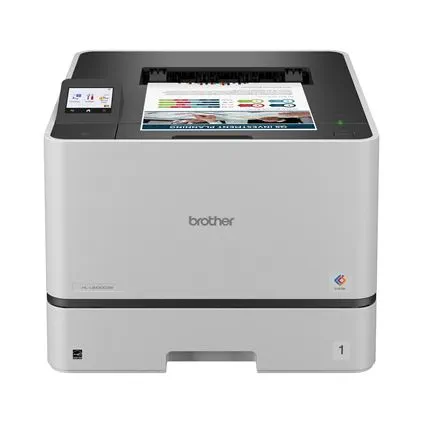
Brother HL-L3280CDW
The Brother HL-L3280CDW is a standout option for teams that prioritize print quality and speed over all-in-one functionality. As a dedicated wireless color laser printer, it delivers sharp text and vibrant graphics at 28 pages per minute, making it ideal for offices with high-volume printing needs. Its compact footprint fits easily on standard desks, and the automatic two-sided printing helps reduce paper costs. While it lacks scanning capabilities, its focused design ensures fewer mechanical failures and lower maintenance costs over time.
Brother MFC-L8930CDW
For businesses that need scanning, copying, and faxing alongside printing, the Brother MFC-L8930CDW offers a robust all-in-one solution. This model features a large touchscreen interface and a fast document feeder, streamlining workflow for administrative tasks. It supports mobile printing via Wi-Fi Direct and cloud services, allowing employees to print from smartphones or tablets without complex network configurations. The build quality is industrial-grade, designed to withstand daily heavy use in busy office environments.
HP LaserJet Pro MFP 4101fdw
The HP LaserJet Pro MFP 4101fdw combines strong security features with versatile connectivity, making it a secure choice for data-sensitive small businesses. It includes advanced security protocols to protect printed documents and network integrity, which is essential for companies handling client information. The printer supports automatic duplexing and offers a user-friendly control panel. Its toner cartridges are engineered for high yield, helping to keep per-page costs down over the life of the machine.


As an Amazon Associate, we may earn from qualifying purchases.
Compare features and print speeds
Choosing the right affordable color laser printer for small business use requires balancing speed with functionality. While some models prioritize raw output speed, others focus on connectivity and multifunction capabilities. The following comparison highlights key specifications for popular models to help you decide which features matter most for your workflow.
| Model | Print Speed (ppm) | Connectivity | Monthly Duty Cycle | Price Range |
|---|---|---|---|---|
| Brother MFC-L8930CDW | 26 | Wi-Fi, Ethernet, USB | Up to 50,000 pages | $600-$700 |
| HP LaserJet Pro MFP 4101fdw | 33 | Wi-Fi, Ethernet, USB | Up to 80,000 pages | $600-$700 |
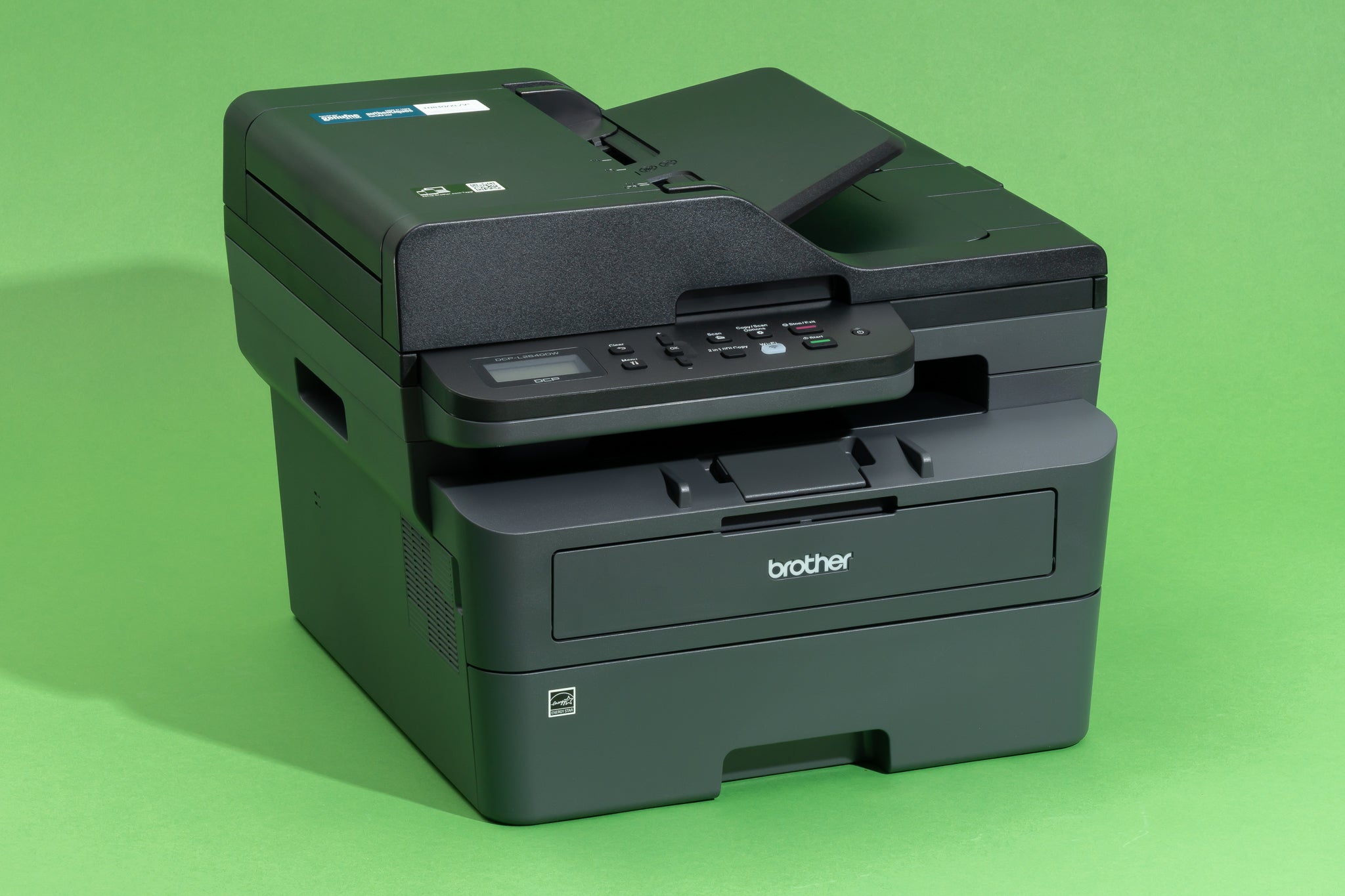
| Brother DCP-L3550CDW | 25 | Wi-Fi, Ethernet, USB | Up to 15,000 pages | $400-$500 |
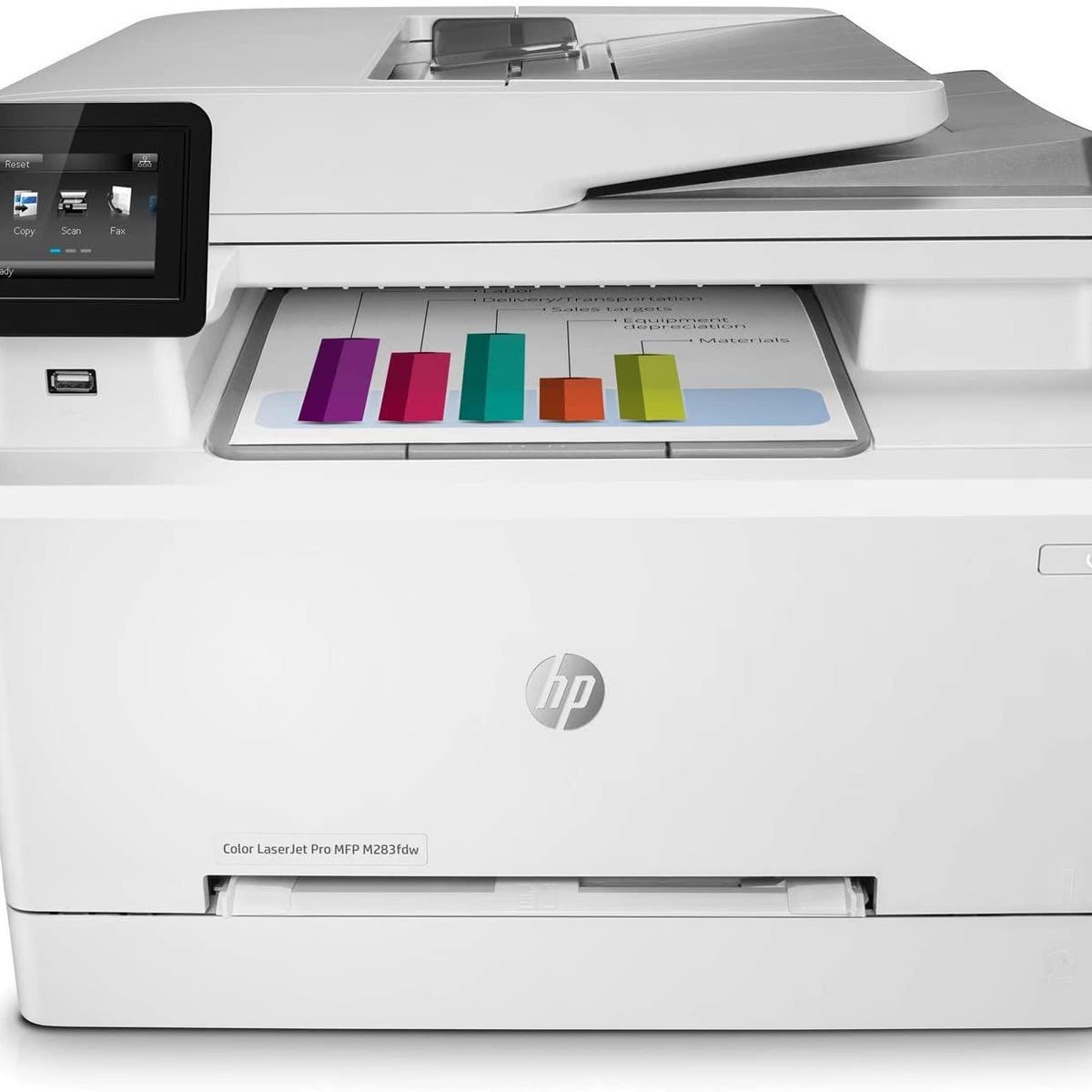
| HP Color LaserJet Pro MFP M283fdw | 22 | Wi-Fi, Ethernet, USB | Up to 50,000 pages | $500-$600 |
Eco-friendly printing and cost savings
Choosing an affordable color laser printer for small business operations isn't just about the upfront sticker price; it's about the long-term footprint and wallet impact. Unlike inkjet models that require frequent cartridge replacements and can dry out if unused, laser printers use toner—a fine powder that lasts much longer and produces less plastic waste over time. This efficiency makes them a smarter, more sustainable choice for offices that print regularly.
High-yield toner cartridges are the secret to reducing both cost per page and environmental impact. By printing more pages before needing a replacement, you minimize the frequency of cartridge disposal. Many manufacturers, such as Brother, offer recycling programs for these empty cartridges, ensuring that the plastic and metal components are processed responsibly rather than ending up in a landfill. This closed-loop approach helps small businesses align their office habits with broader sustainability goals without sacrificing performance.
The long-term cost reduction is significant. While color laser printers have a higher initial cost than entry-level inkjets, the price per page is often a fraction of the cost. For a small business printing marketing materials, invoices, and reports, this difference adds up quickly. Reliable models like the Brother MFC-L2900DW are known for their dependability and cost-effectiveness, proving that you don't need to compromise on quality or eco-consciousness to stay within budget.
Checklist for buying your first laser printer
Choosing an affordable color laser printer for your small business requires balancing upfront cost with long-term operational expenses. Use this checklist to filter out models that look cheap but cost more to run, ensuring your new hardware supports your daily workflow.
Look for Wi-Fi and Ethernet ports if you need to share the device across multiple workstations. Mobile printing support (AirPrint or Google Cloud Print) is essential for remote teams or employees working from laptops and tablets without dedicated desk setups.
Automatic two-sided printing saves paper and reduces waste significantly. Manual duplexing is possible but tedious; for a small office handling contracts or client proposals, automatic duplexing is a standard expectation for any modern business printer.
The purchase price is only the entry fee. Check the cost per page for replacement toner cartridges. High-yield cartridges may cost more initially but lower your per-page expense. Avoid models where color toner runs out quickly, as replacing all four colors frequently can negate the savings of a lower-priced machine.
Ensure the printer’s recommended monthly duty cycle exceeds your actual print volume by at least 20%. If you print 500 pages a month, a printer rated for 1,000 pages will last longer than one rated for 600. This buffer prevents premature wear on mechanical components like the fuser and drum units.
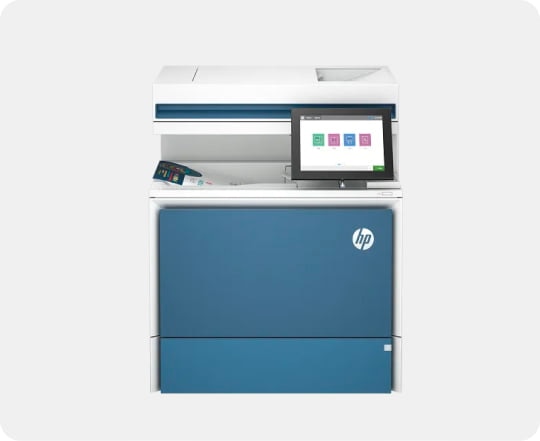
Determine if you need scanning, copying, or faxing. An MFP (Multifunction Printer) consolidates equipment but often costs more and consumes more power. If you only need printing, a standalone model like the Brother HL-L3280CDW is often more affordable and reliable than a complex all-in-one unit.
Common questions about color laser printers
Small business owners often worry about the hidden costs and environmental impact of switching to color laser technology. Understanding how these machines handle toner, color quality, and disposal helps you choose an affordable color laser printer that fits your budget and workflow.
No comments yet. Be the first to share your thoughts!