

why color laser saves money long term
Switching from an inkjet to a color laser printer is a strategic move for small businesses aiming to save on printing costs. While inkjet cartridges have a low upfront price, they deplete quickly and dry out if unused, leading to waste. Color laser printers use toner, a dry powder that lasts for thousands of pages and remains stable over time, offering superior reliability for offices with intermittent printing needs.
The primary financial advantage lies in the cost-per-page. High-yield toner cartridges in affordable color laser models can print thousands of pages before replacement, whereas inkjet cartridges often yield only a few hundred. For businesses producing marketing materials, reports, or proposals, this difference significantly reduces annual operational expenses.
Although the initial investment for a color laser printer is higher, the long-term savings are substantial. You eliminate the recurring cost of frequent ink purchases and the frustration of clogged print heads, resulting in predictable, lower costs for every document produced.


As an Amazon Associate, we may earn from qualifying purchases.
Top eco-friendly color laser picks
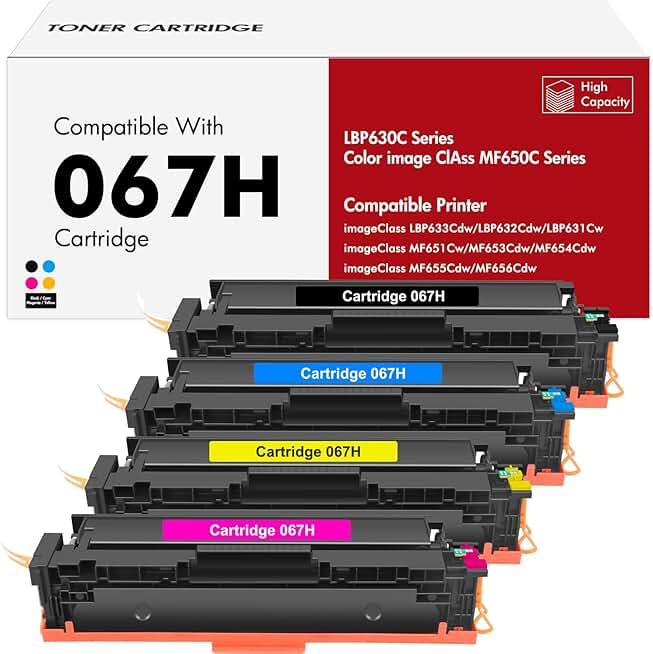
Finding a color laser printer that balances low upfront cost with energy efficiency requires looking beyond the sticker price. The most sustainable choice is often the machine that lasts longest and uses toner most efficiently. High-yield cartridges reduce the frequency of replacements, lowering waste and keeping your cost per page down over time. These models are ideal for users who print in bulk but want to keep their environmental footprint and monthly expenses in check.
HP Color LaserJet Pro MFP M283fdw
This model combines color printing with multifunction capabilities, making it a strong candidate for home offices that need to scan or copy documents alongside printing. It features a compact design that fits easily on a desk while offering reliable color output. The printer supports high-yield toner options, allowing you to print more pages before needing to swap cartridges. Its energy-saving modes help reduce power consumption during idle periods, contributing to lower utility bills over the device's lifespan.
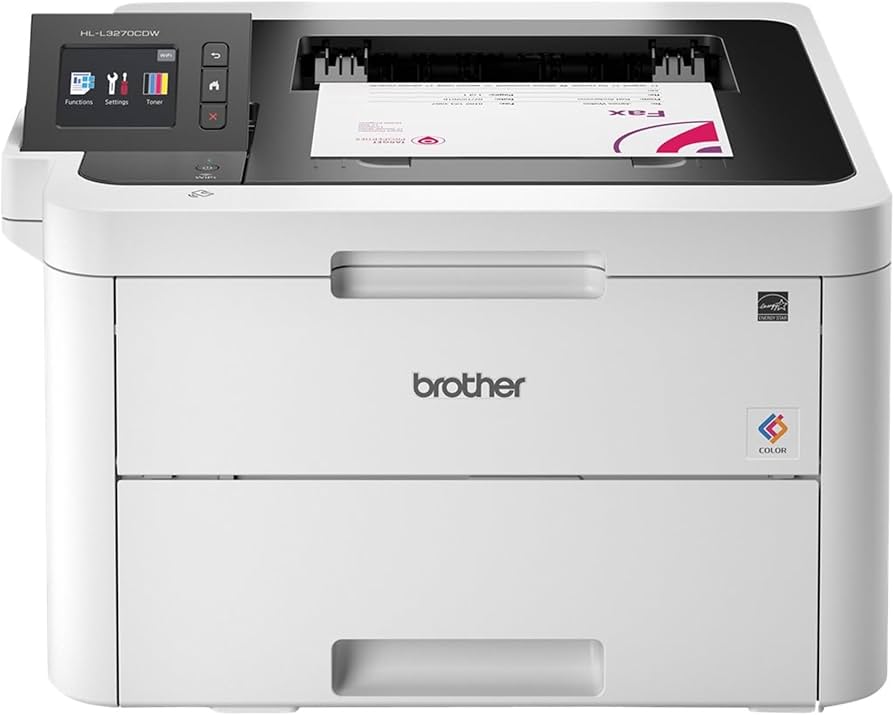
Brother HL-L3270CDW
Brother’s entry in this space focuses on straightforward operation and durable performance. The HL-L3270CDW is known for its robust build quality and consistent print speeds. It includes wireless connectivity for easy setup from multiple devices, which is essential for shared workspaces. The printer is designed to work with high-capacity toner drums, extending the time between maintenance and reducing the number of parts that eventually end up in landfills. Its straightforward interface makes it accessible for users who prioritize function over complex features.
Canon Color imageCLASS MF656Cdw
Canon’s MF656Cdw offers a balance of speed and quality, suitable for users who need to produce professional-looking color documents regularly. It includes a duplex scanner and automatic document feeder, which streamlines workflow for those who handle large volumes of paper. The printer is engineered with energy-efficient components that meet modern environmental standards. By using high-yield toner cartridges, it minimizes the cost per page, making it a practical choice for saving on printing costs without sacrificing output quality.
Xerox B210 Color Multifunction Printer
The Xerox B210 is a solid option for those who need reliable color printing in a small footprint. It features a user-friendly control panel and supports mobile printing, allowing for easy integration into modern workflows. The printer is designed to handle high-volume tasks with ease, thanks to its sturdy paper handling and fast print speeds. Xerox’s toner technology is known for its efficiency, which helps keep ongoing costs manageable. Its energy-efficient design ensures that it doesn’t draw excessive power when not in active use.



As an Amazon Associate, we may earn from qualifying purchases.
Compare specs and running costs
Saving on printing costs comes down to more than just the upfront price of the machine. You need to look at the total cost of ownership, which includes how fast the printer works, how many pages it can handle each month, and how much toner you’ll need to buy. A printer that prints quickly and has a high monthly duty cycle means less downtime and fewer interruptions for busy households or small offices.
The table below breaks down the key metrics for the top affordable color laser printers. We focused on models that balance speed with low running costs, ensuring you aren’t paying a premium for toner every few months.
| Model | Print Speed (ppm) | Monthly Duty Cycle | Toner Yield |
|---|---|---|---|
| HP Color LaserJet Pro M255dw | 22 ppm | 20,000 pages | High-yield available |
| Brother HL-L3270CDW | 28 ppm | 15,000 pages | High-yield available |
| Canon Color imageCLASS MF656Cdw | 22 ppm | 50,000 pages | High-yield available |
| Lexmark MC3224adwe | 28 ppm | 50,000 pages | High-yield available |
When comparing these options, pay attention to the toner yield. High-yield cartridges may cost more initially but reduce the cost per page significantly over time. This is especially important if you print color documents regularly. Choosing a model with a higher duty cycle ensures the printer can handle your workload without wearing out prematurely, protecting your investment in the long run.
Setup tips to lower your bill
Even the best color laser printer can drain your budget if left with default settings. Small adjustments to your driver preferences and printing habits often yield the biggest savings, sometimes cutting your monthly expenses by half without sacrificing quality. By treating your printer settings like a utility bill rather than a fixed cost, you can keep your printing costs low while maintaining professional output.
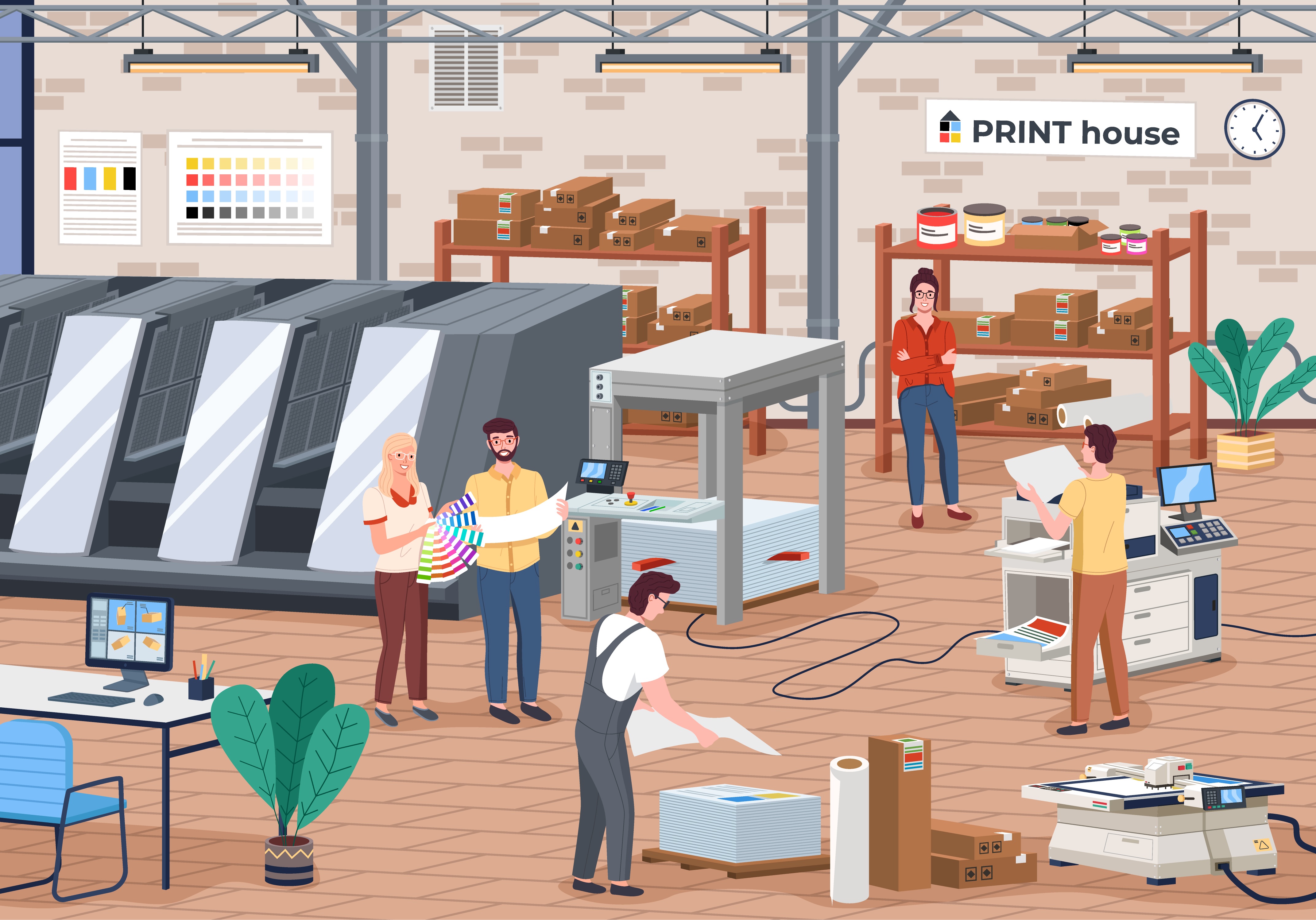
Color toner is significantly more expensive than black toner. If you are printing internal memos, drafts, or text-heavy reports, switch your default output to grayscale or black-and-white. This simple toggle ensures you only use color toner when the hue is actually necessary for comprehension, dramatically reducing your cost per page for bulk jobs.
Double-sided printing (duplex) is the most effective way to slash paper waste. Most affordable color laser printers, such as the Brother HL-L3270CDW or Canon imageCLASS MF656Cdw, support automatic duplexing. Configure your printer drivers to always print on both sides unless you specifically need single-sided output. This habit alone can cut your paper consumption in half.
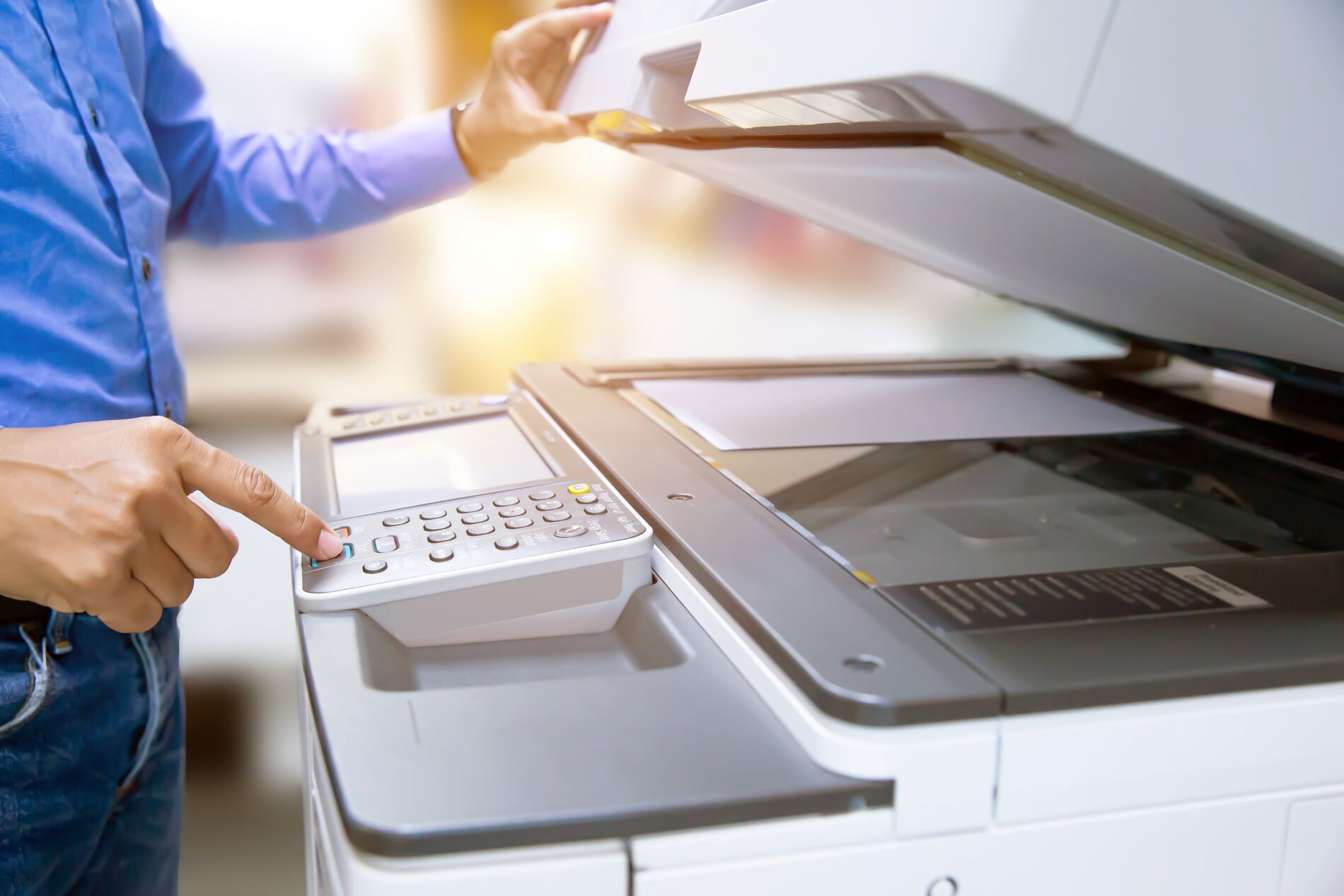
When you are printing drafts, internal notes, or reference materials, use the printer’s draft or economy mode. This setting reduces the amount of toner applied to each page, extending the life of your toner cartridges. While the output may look slightly lighter, it is perfectly legible for non-final documents and saves a substantial amount of toner over time.
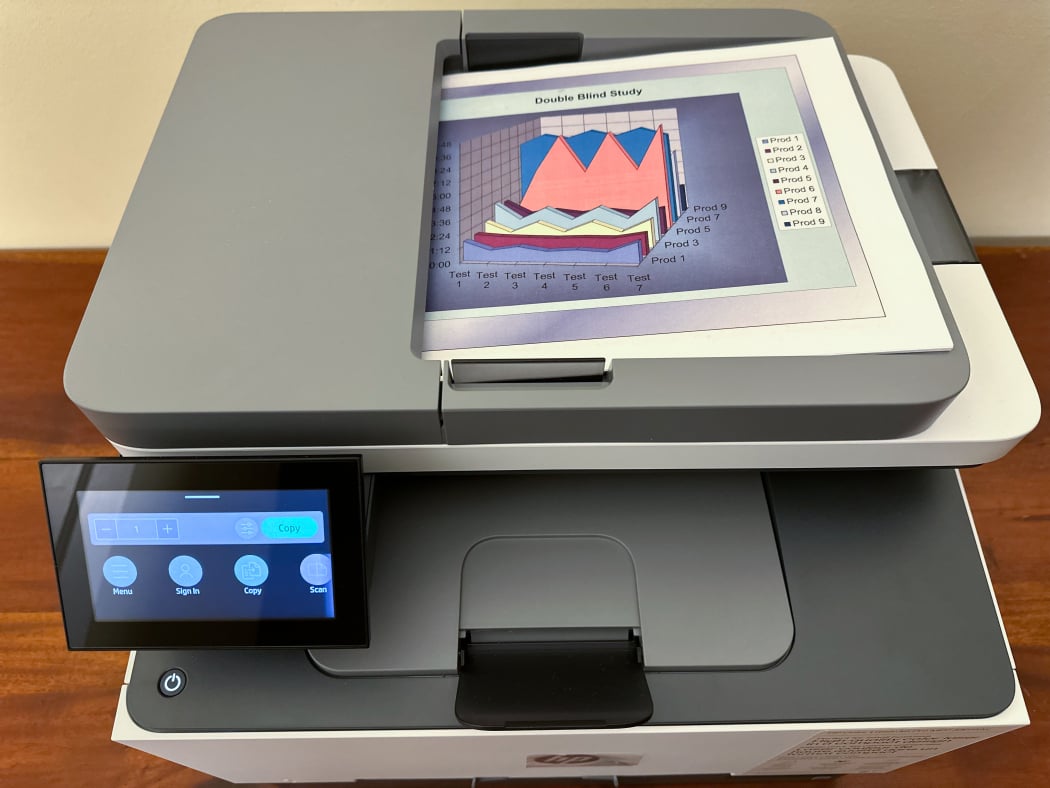
The initial cost of a printer is just the entry fee; the real expense comes from replacement cartridges. Always opt for high-yield toner cartridges when available. Although they cost more upfront, the cost per page is much lower compared to standard-yield cartridges. For busy home offices or small businesses, this reduces the frequency of replacements and lowers your long-term operational costs.


As an Amazon Associate, we may earn from qualifying purchases.
By combining these software settings with the right hardware choices, you can maximize the value of your color laser printer. These adjustments require no additional investment, only a change in how you approach your daily printing tasks.
No comments yet. Be the first to share your thoughts!