
What defines 2026 printing solutions
The shift toward smart office printing in 2026 is no longer about replacing paper with pixels; it is about integrating hardware with security and efficiency. Modern small businesses require multifunction printers (MFPs) that act as network endpoints rather than isolated peripherals. This transition demands devices that support Zero Trust security models to protect sensitive client data from the moment it leaves the screen.
Sustainability has also moved from a marketing buzzword to a operational requirement. The future of print and packaging in 2026 highlights a strong trend toward energy-efficient hardware and reduced waste. Small businesses are prioritizing devices that offer automatic duplexing, low-power standby modes, and compatible recycled consumables to lower their carbon footprint without sacrificing print quality.
Finally, the definition of value has expanded beyond the initial purchase price. Today’s best printing solutions for small business savings emphasize total cost of ownership. This includes reliable cloud connectivity, remote management capabilities, and durable hardware that reduces downtime. By focusing on these concrete features, businesses can build a printing infrastructure that supports growth while keeping overheads predictable.
Top-rated wireless printers for easy setup
Wireless printing removes the friction of tangled cables and limited desk space, allowing small teams to send documents from anywhere in the office. For 2026, the best wireless printers for small business savings prioritize reliable connectivity and straightforward mobile app integration over complex network configurations. You need hardware that works immediately upon unboxing, not a project that requires IT support.
The market has shifted toward cloud-native solutions. Modern printers connect directly to Wi-Fi or support AirPrint and Google Cloud Print, meaning you can print from a laptop, tablet, or smartphone without installing heavy drivers on every device. This flexibility is essential for small businesses where employees move between workstations or work remotely.
When evaluating options, focus on three core areas: print speed, mobile app usability, and total cost of ownership. A printer that prints slowly or runs out of ink after a few pages will cost more in the long run than a slightly more expensive model with high-yield cartridges. The following recommendations highlight models that balance these factors effectively.


As an Amazon Associate, we may earn from qualifying purchases.
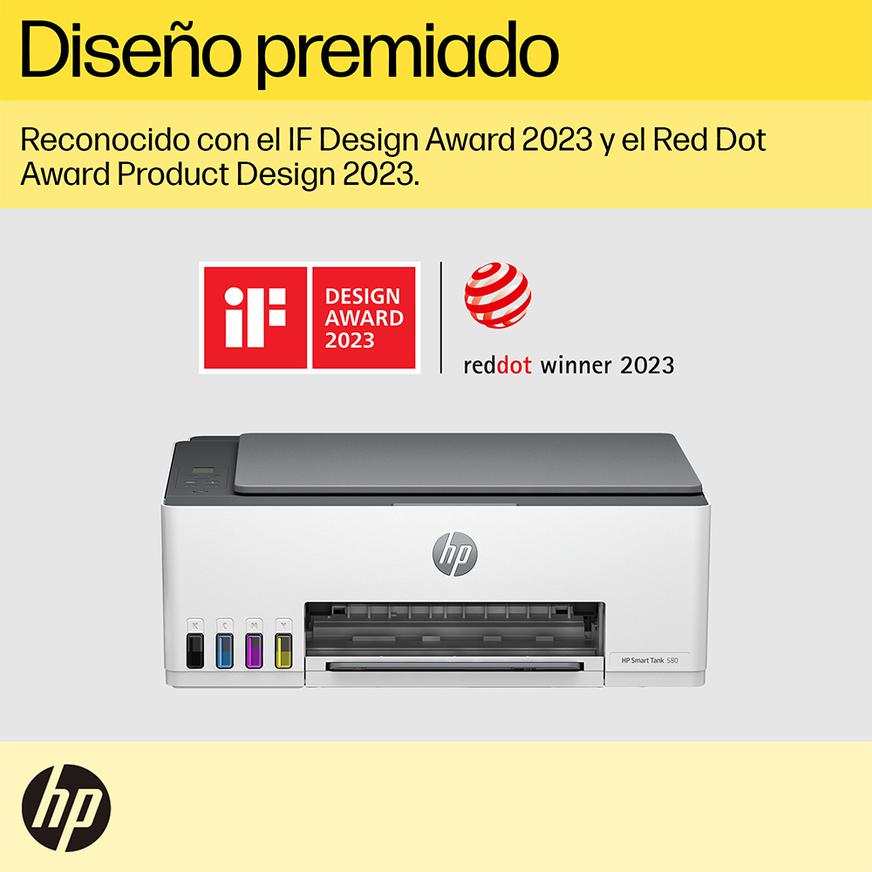
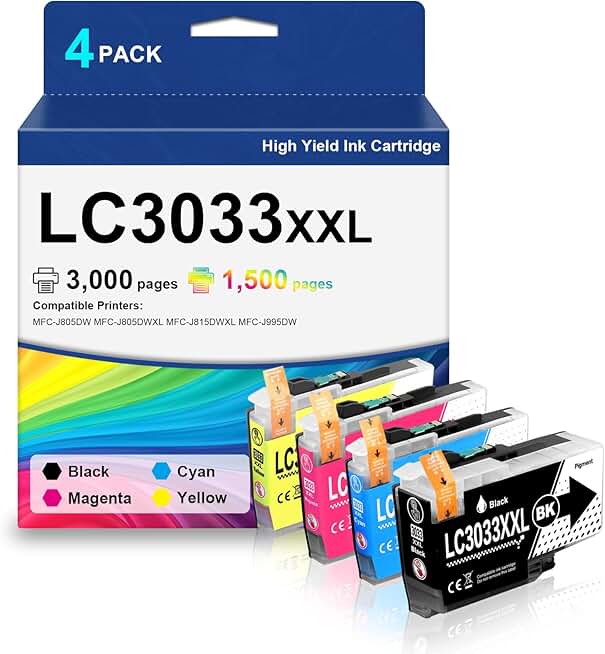
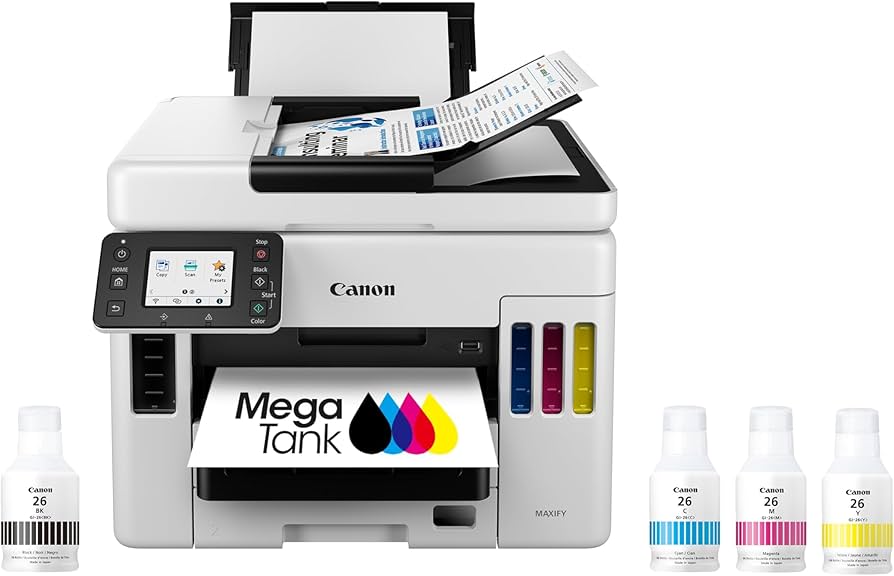
Each of these models addresses the "easy setup" requirement differently. HP and Canon rely heavily on guided mobile app experiences, while Brother and Epson focus on hardware durability and ink efficiency. For a small business, the decision often comes down to whether you prioritize the lowest upfront cost or the lowest long-term ink expense. The refillable tank systems from HP and Epson typically pay for themselves within a year for high-volume users, while cartridge-based models like the Brother INKvestment offer a middle ground with pre-filled high-capacity tanks.
Affordable color laser printers that save money
Color laser printers have long been the workhorses of small business offices, but the 2026 landscape demands more than just speed. Modern affordable color laser printers are now engineered to drastically reduce the cost-per-page while handling high-volume workloads without breaking down. For a small business, this means shifting from expensive toner cartridges to sustainable, high-yield solutions that keep overhead low.
The best models today balance initial purchase price with long-term operational costs. They offer robust monthly duty cycles, ensuring the machine can handle peak marketing seasons or end-of-year reporting without straining. When evaluating options, look for printers that support automatic duplex printing and network connectivity, features that streamline workflow and reduce paper waste.
To help you choose the right machine for your volume needs, we have compared the top contenders. This comparison highlights print speed, duty cycle limits, and estimated cost-per-page metrics to ensure you get the best value.
| Model | Color Speed (ppm) | Monthly Duty Cycle | Est. Color CPP |
|---|---|---|---|
| HP Color LaserJet Pro MFP M479fdw | 23 | 80,000 pages | 3.5¢ |
| Brother HL-L8360CDW | 33 | 50,000 pages | 3.2¢ |
| Canon Color imageCLASS MF656Cdw | 24 | 50,000 pages | 3.8¢ |
| Xerox B225/DNI Color MFP | 25 | 45,000 pages | 3.4¢ |


As an Amazon Associate, we may earn from qualifying purchases.
Eco-friendly printing options for 2026
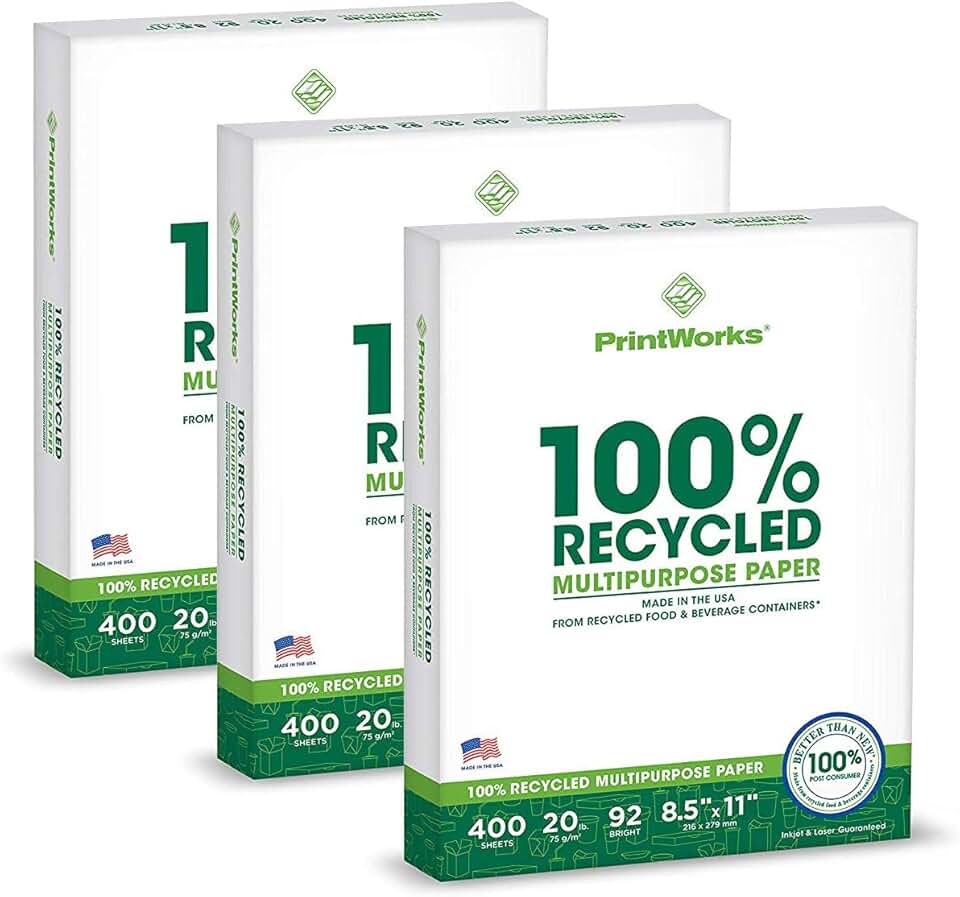
Sustainable printing is no longer a niche preference but a standard expectation for small businesses aiming to reduce their environmental footprint. The 2026 landscape prioritizes energy-efficient hardware and recyclable consumables, allowing companies to cut costs while meeting green standards.
Modern printers now feature advanced energy-saving modes that significantly lower electricity usage during idle periods. Pairing these devices with recycled paper stocks and soy-based inks creates a closed-loop system that minimizes waste. This approach not only supports sustainability goals but also often reduces long-term operational expenses.
For businesses ready to upgrade, selecting equipment certified by recognized environmental agencies ensures verified performance. Look for models that explicitly highlight low power consumption and compatibility with recycled media to maximize your eco-friendly impact.

As an Amazon Associate, we may earn from qualifying purchases.
How to choose the right printer for your business
Selecting the best 2026 printing solutions for small business savings requires matching hardware to your actual workflow. Many owners overpay for high-volume capabilities they rarely use or underinvest in connectivity that slows daily operations. Use this checklist to filter options before comparing specific models.
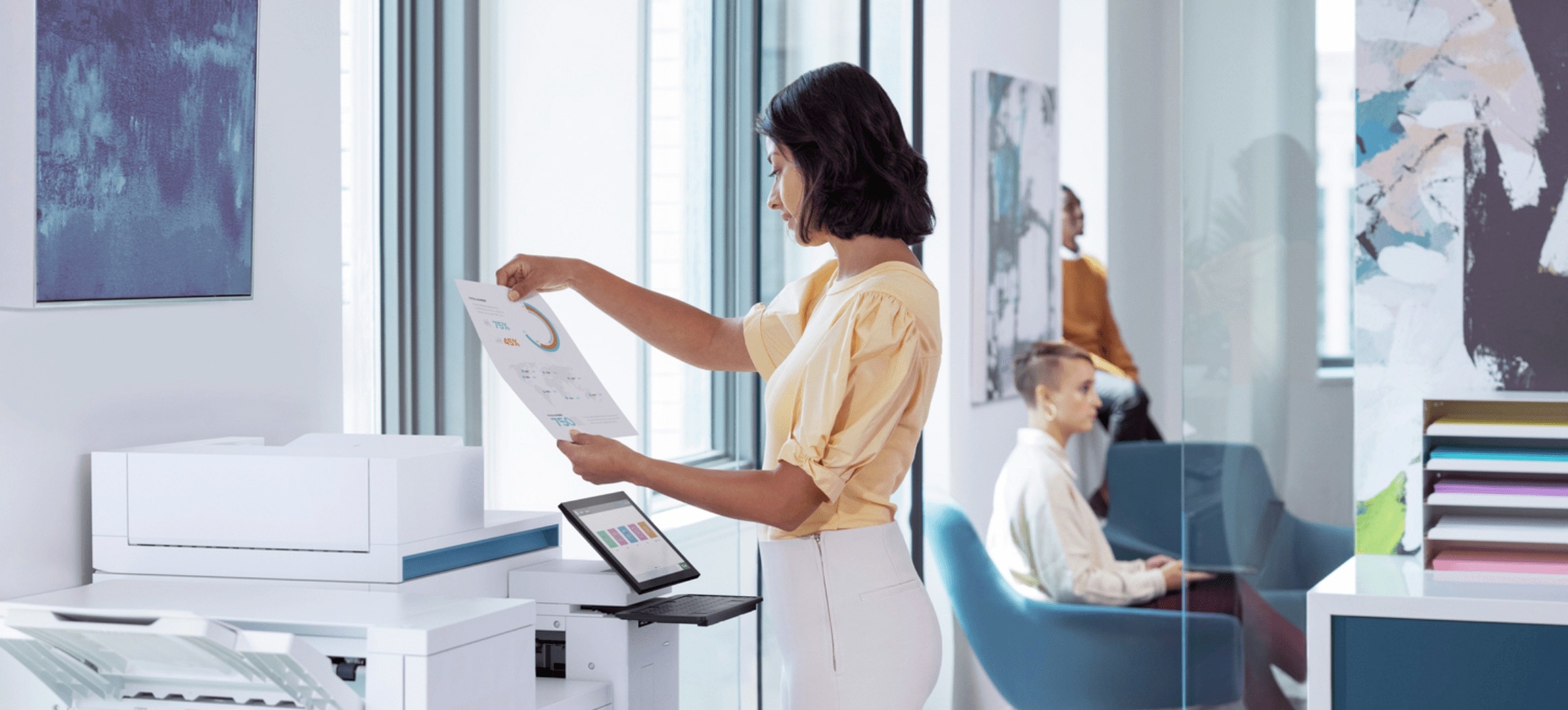
Calculate your average monthly page count. If you print under 500 pages, a compact inkjet or laser is sufficient. High-volume users need machines with large input trays and faster first-page-out times to prevent bottlenecks during peak hours.

Determine if you need full-color graphics for marketing materials or if black-and-white documents suffice. Consider the paper types you use; standard office printers handle letter and legal, but specialized media like cardstock or labels requires dedicated hardware.
Modern workflows demand seamless mobile printing and cloud integration. Ensure the device supports WPA3 security and secure print release to protect sensitive client data, a critical requirement for small businesses handling confidential information.


As an Amazon Associate, we may earn from qualifying purchases.
Frequently asked questions about 2026 printers
Are wireless setup and mobile printing reliable for small business workflows? Yes. Modern all-in-one printers like the Brother MFC-J995DW and Epson EcoTank ET-2850 support direct Wi-Fi and mobile app printing. You can send documents from your phone or laptop without cables, which keeps your workspace tidy and allows employees to print from anywhere in the office.
Is a color laser printer worth the higher upfront cost for a small business? For high-volume color printing, yes. While inkjet models like the HP OfficeJet Pro 9015e are cheaper to buy, their ink cartridges run out quickly and cost more per page. A color laser like the HP Color LaserJet Pro MFP M479fdw has a higher purchase price but offers a much lower cost per page and faster output speeds, saving money over time.
Do eco-friendly features actually reduce operating costs? They do. Printers with Energy Star certification, like the Canon imageCLASS MF445dw, use less electricity in standby mode. Additionally, switching to refillable ink tank systems reduces plastic waste and the frequency of cartridge replacements, lowering both your environmental footprint and monthly supply expenses.
No comments yet. Be the first to share your thoughts!