
Why laser beats ink for small teams
For small businesses printing invoices, contracts, and marketing materials, a color laser printer is usually the smarter long-term investment. While inkjet printers often have lower upfront costs, their ongoing expenses and maintenance headaches tend to add up quickly. Laser technology offers a more predictable cost structure and higher reliability for teams that need consistent output without constant intervention.
The biggest advantage of laser is cost-per-page. Toner cartridges hold more ink and last significantly longer than their inkjet counterparts. For a small team generating dozens of pages a week, this difference compounds over time. You are less likely to run out of ink mid-project or deal with dried-out nozzles that require expensive cleaning cycles. This reliability means less downtime and fewer surprise purchases.
Consumer Reports notes that models from brands like Brother and Canon often outperform inkjets in text quality, speed, and overall reliability. These printers are built to handle volume, making them ideal for environments where a printer failure can disrupt daily operations. The initial price tag might be slightly higher, but the durability and lower consumable costs typically pay for themselves within the first year of use.
Top picks for budget color laser printing
Finding a reliable color laser printer under $400 requires balancing print speed, monthly duty cycle, and connectivity. While inkjets are cheaper upfront, laser toner costs less per page for text-heavy small business documents. The following models represent the most dependable options currently available, selected for their durability and value.
Best all-rounder: Brother HL-L3280CDW
The Brother HL-L3280CDW strikes the best balance between price and performance for most small offices. It offers solid wireless connectivity, a compact footprint, and consistent color accuracy for marketing materials. Its monthly duty cycle is robust enough to handle typical small business volumes without overheating or jamming frequently.
Best for high volume: Brother MFC-L3780CDW
For teams generating larger document batches, the Brother MFC-L3780CDW provides a higher monthly duty cycle and automatic duplexing. The integrated scanner and copier functionality reduce the need for separate devices, keeping desk space clear. It is slightly larger than the HL series but justifies the extra footprint with faster output speeds and lower cost-per-page metrics.
Best compact option: Xerox B225/DNI
When desk space is at a premium, the Xerox B225/DNI offers a smaller chassis without sacrificing core laser printing capabilities. It connects via Wi-Fi and Ethernet, ensuring stable performance in busy networks. While its duty cycle is lower than the MFC series, it is ideal for solopreneurs or small teams with moderate printing needs who prioritize a minimal footprint.


As an Amazon Associate, we may earn from qualifying purchases.
| Model | Type | Connectivity | Best For |
|---|---|---|---|
| Brother HL-L3280CDW | Printer | Wi-Fi, USB | All-round small business use |
| Brother MFC-L3780CDW | All-in-One | Wi-Fi, Ethernet, USB | High-volume teams |
| Xerox B225/DNI | Printer | Wi-Fi, Ethernet | Limited desk space |
Eco-friendly features to look for
Choosing an eco-friendly color laser printer for small business doesn't mean sacrificing performance. Modern machines integrate sustainability directly into their hardware and consumables, reducing both your carbon footprint and long-term operating costs. When evaluating options, prioritize models that combine certified energy efficiency with closed-loop recycling programs.
Energy consumption is the most immediate environmental factor. Look for printers with Energy Star certification, which guarantees the device meets strict power-saving standards. These printers automatically enter low-power sleep modes during inactivity and use more efficient fusers that require less heat to bond toner to paper. For example, the HP Color LaserJet Pro MFP M479fdw features HP Auto-On/Auto-Off technology, which significantly reduces idle energy use compared to older laser models.
Beyond electricity, toner waste is a major concern. Select brands that offer robust recycling initiatives. HP, Canon, and Brother all provide free recycling programs where you can return used cartridges for proper processing. Some newer models, like the Brother MFC-L3770CDW, are designed with user-replaceable waste toner bottles, allowing you to dispose of only the waste material rather than the entire cartridge unit. This design minimizes plastic waste and lowers the frequency of full cartridge replacements.
Finally, consider paper handling efficiency. Duplex (double-sided) printing is standard on most business-grade color lasers, but verify that the default settings encourage two-sided printing. This simple feature can cut paper consumption in half, reducing the demand for raw materials and lowering disposal costs. Integrating these features ensures your small business operates efficiently while adhering to sustainable practices.
How to calculate your printing costs
When you move from inkjet to a color laser printer for your small business, the savings come from the cost per page, not just the upfront price of the machine. A $300 printer might seem expensive compared to a $100 inkjet, but if it costs pennies per page to print, it pays for itself quickly. To find the true cost, you need to look at two main numbers: the cost of the toner cartridge and how many pages it can print before needing a replacement.
Most small business owners make the mistake of looking only at the sticker price of the cartridge. A high-yield toner cartridge may cost more upfront, but if it prints 3,000 pages instead of 1,000, it is actually cheaper per page. You can find these numbers in the product specifications under "monthly duty cycle" or "yield." For example, if a black toner cartridge costs $60 and prints 2,500 pages, each page costs 2.4 cents. If a color cartridge costs $80 and prints 1,500 pages, each color page costs about 5.3 cents.
Use this simple formula to estimate your monthly printing budget:
Total Cost Per Page = (Cost of Black Toner / Black Yield) + (Cost of Color Toner / Color Yield)
Multiply this total by your expected monthly print volume to see your annual toner spend. For a business printing 500 pages a month, this difference can amount to hundreds of dollars a year. Focus on models like the Brother HL-L3270CDW or HP Color LaserJet Pro M254dw, which are known for consistent yields and affordable third-party toner options. By calculating these costs now, you avoid the surprise of high recurring expenses later.
Checklist for buying your first laser printer
Choosing an affordable color laser printer for your small business comes down to matching specific features to your actual workflow. Avoid buying a machine that does everything you don't need. Focus on the three factors below to ensure the printer pays for itself.
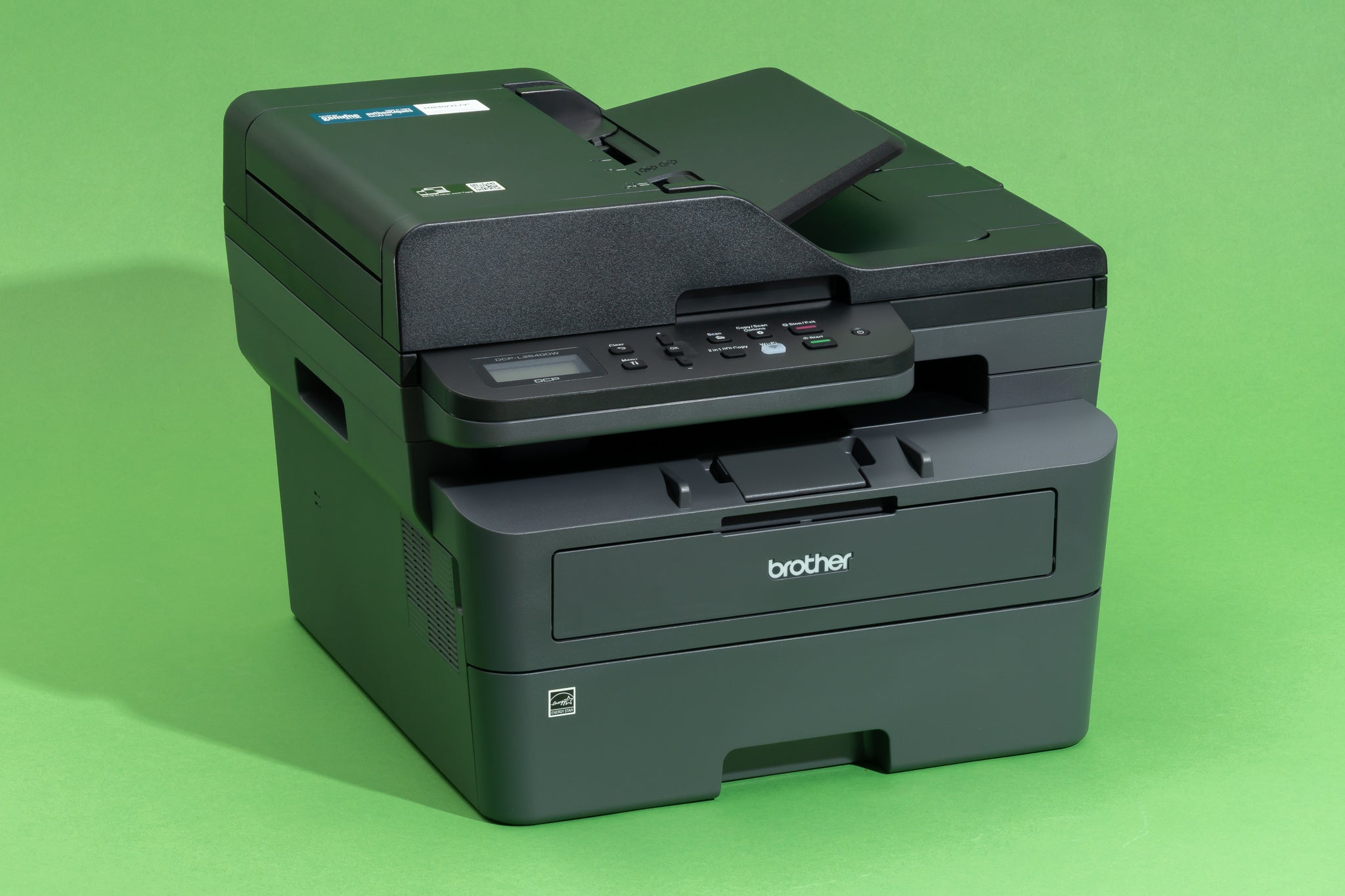
Automatic two-sided printing saves paper and time, but not all budget models include it. Ensure the printer connects via Wi-Fi or Ethernet so it can serve multiple devices on your office network without constant USB cable swapping.
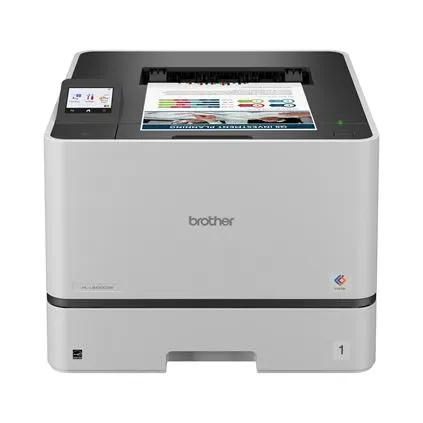
The upfront price is only half the equation. Look for models with high-yield toner cartridges. A printer with a lower purchase price but expensive, low-yield cartridges will cost more over time than a slightly pricier model with efficient consumables.
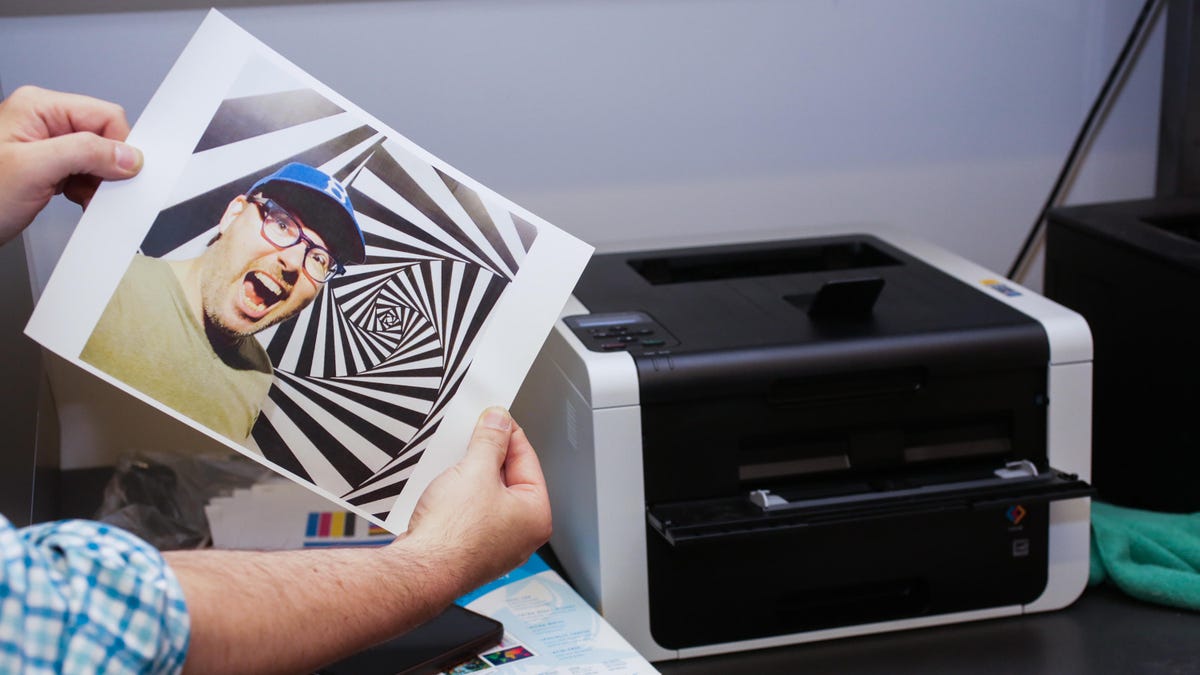
Small businesses vary in volume. If you print hundreds of pages monthly, a home-grade printer will fail quickly. Check the manufacturer's recommended monthly duty cycle to ensure the machine can handle your workload without premature wear.
Common questions about color laser printers
Buying a color laser printer for your small business involves more than just comparing upfront prices. You need to consider long-term costs, maintenance, and whether the machine can handle your specific workflow. Here are the most common questions we get from business owners.
How much does toner cost for a color laser printer?
Toner cartridges are the biggest ongoing expense. A standard black toner cartridge often costs between $50 and $80, while color cartridges (cyan, magenta, yellow) can run $60 to $100 each. Look for models with high-yield options to lower your cost per page. Brother and HP are known for reasonable toner availability, but always check the current price of replacement cartridges before buying the printer itself.
Do color laser printers need frequent maintenance?
Color lasers are generally low-maintenance compared to inkjets. They don’t have printheads that can clog if left unused for weeks. However, the drum units and fusers do wear out over time. Most business-grade models, like the Brother HL-L3280CDW, have replaceable drum units that last for several thousand pages. Check the manufacturer’s recommended replacement schedule to avoid unexpected downtime.
Is a color laser printer worth it for a small office?
If you print more than 50 pages a month, a color laser is usually worth the investment. Inkjets can become expensive quickly due to ink costs and frequent cartridge replacements. Laser printers offer faster print speeds and sharper text for business documents. For small teams, the durability and speed of a machine like the HP Color LaserJet Pro series often justify the higher initial cost.
Can I use third-party toner cartridges?
Yes, but with caution. Third-party or remanufactured toner can save 30-50% on costs. However, some printers may display warnings or block third-party cartridges if they detect non-OEM chips. Always read reviews for the specific model to see if third-party toner works reliably. If you buy from a reputable seller, the risk of damage is low, but warranty claims can sometimes be complicated if toner issues arise.
No comments yet. Be the first to share your thoughts!