
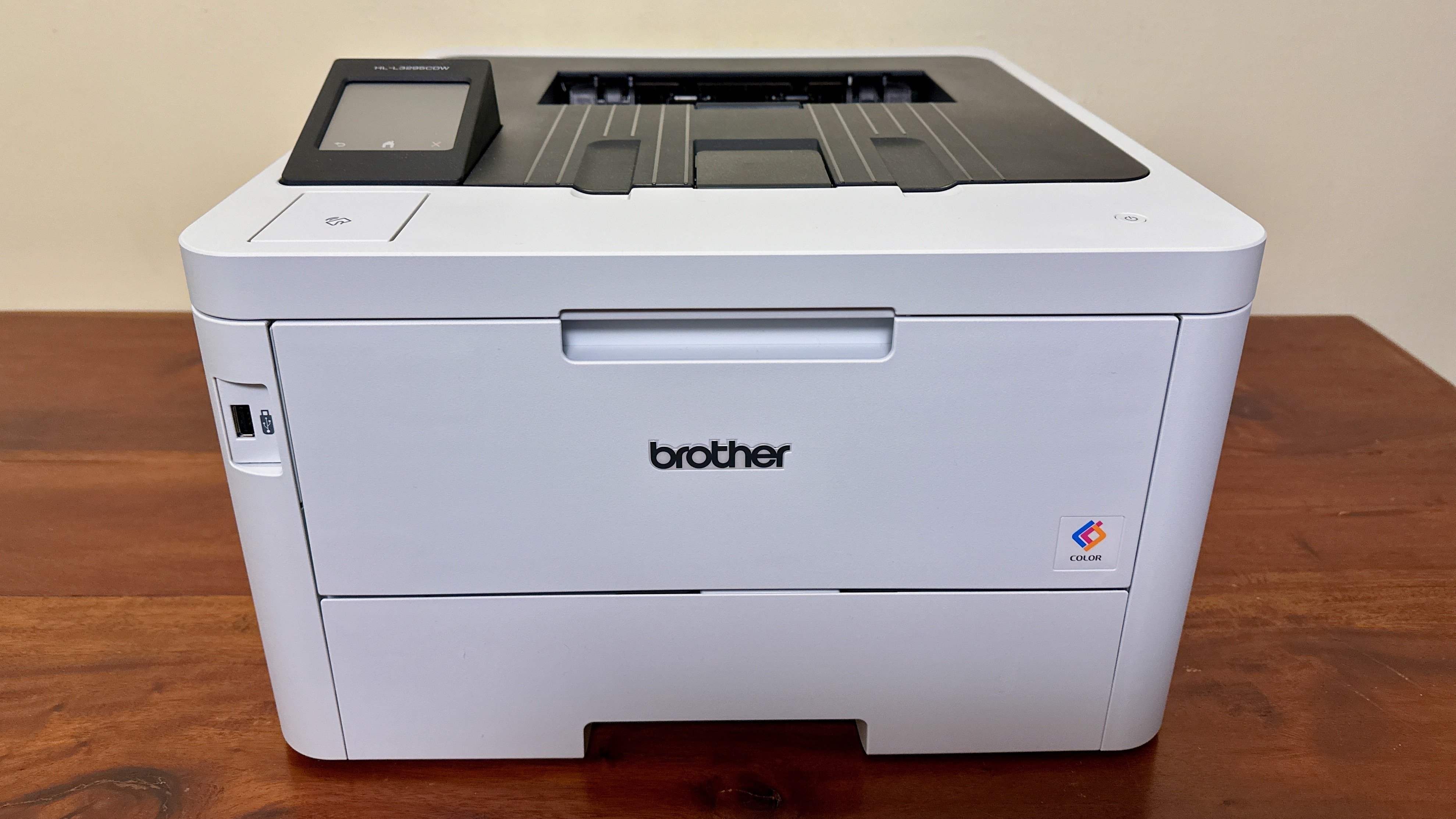

Why color laser beats inkjet
For small businesses, the choice between inkjet and color laser printers often comes down to two hidden costs: wasted ink and downtime. While inkjet printers may have lower upfront prices, their operational costs and reliability issues frequently outweigh those savings for commercial use. Color laser technology offers a more predictable and durable solution for offices that need consistent, high-quality output without the hassle of dried-out cartridges.
The most significant advantage of laser printers is cost efficiency per page. Laser toner is designed to last much longer than liquid ink, and it does not dry out if the printer sits unused for weeks. According to Wirecutter, a typical affordable laser printer like the Brother DCP-L2640DW offers an average printing cost of just 3.1 cents per page, making it far more economical for high-volume tasks than most inkjet alternatives. This lower cost-per-page adds up quickly, especially when printing marketing materials, client reports, or color-coded documents.
Reliability is another critical factor. Inkjet printers are prone to clogged print heads, which can render a printer useless and require expensive replacement cartridges. Laser printers use toner powder and a fuser unit, mechanisms that are generally more robust and less susceptible to failure from infrequent use. For a small business, this means less time spent troubleshooting and more time focused on core operations.


As an Amazon Associate, we may earn from qualifying purchases.
Key features for small offices
When space is tight and the budget is fixed, the hardware you choose dictates how smoothly your office runs. Not every color laser printer fits a small business workflow, so we focus on three non-negotiable specs: wireless connectivity, automatic duplex printing, and a compact footprint. These features directly impact daily productivity and physical space management.
Wireless connectivity
Wi-Fi is the baseline for modern small offices. A printer that requires a USB cable becomes a bottleneck when multiple people need to print from laptops, tablets, or phones. Look for models that support direct mobile printing (AirPrint or Google Cloud Print) and stable dual-band Wi-Fi. This ensures that your team can send jobs from anywhere in the room without hunting for cables or dealing with dropped connections.
Automatic duplex printing
Manual double-sided printing is a waste of time and paper. Automatic duplex printing flips the page for you, which cuts paper costs in half and reduces clutter on your desk. For a small business, this feature pays for itself quickly by lowering consumable expenses. It also keeps your workspace tidy, as you aren't constantly shuffling sheets between trays.
Compact footprint
Small offices often lack dedicated printer rooms. A bulky machine can dominate a corner of a desk or require a dedicated stand. Choose a printer with a small physical footprint that doesn't sacrifice paper capacity. Many compact models offer a single tray that holds enough paper for daily use while remaining small enough to sit on a shared desk or shelf without overwhelming the space.
As an Amazon Associate, we may earn from qualifying purchases.
Top budget picks compared
Finding a reliable color laser printer under $500 requires balancing print speed, connectivity, and durability. The models below represent the most consistent performers for small business environments, offering distinct advantages depending on your specific workflow needs.
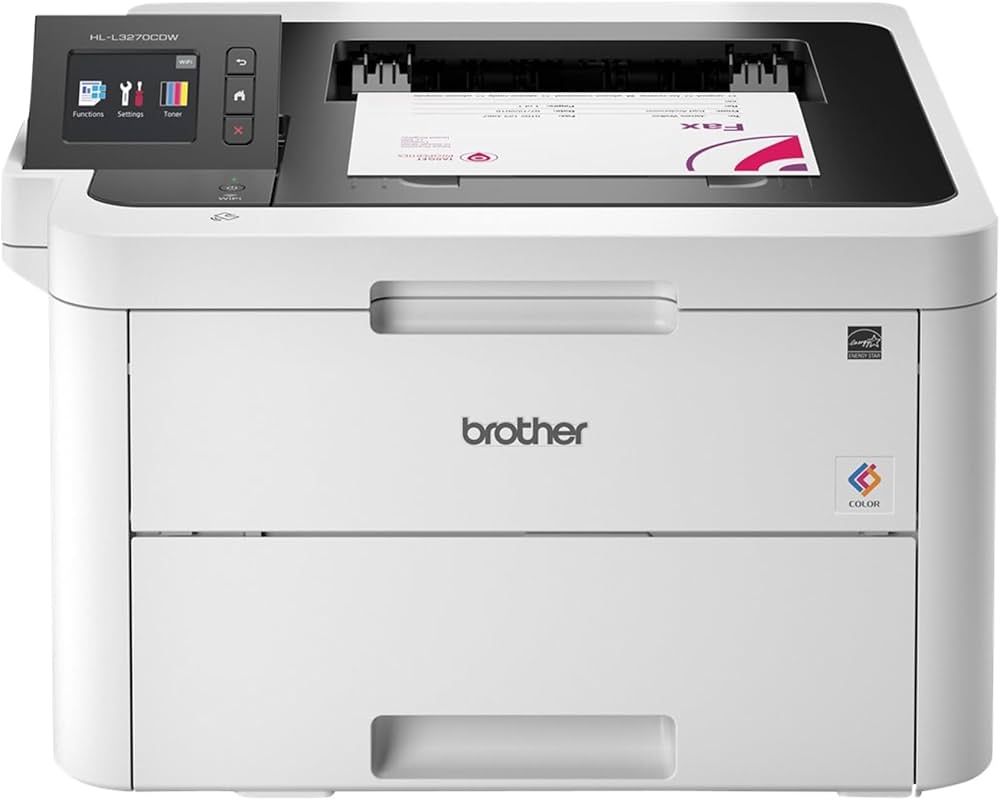
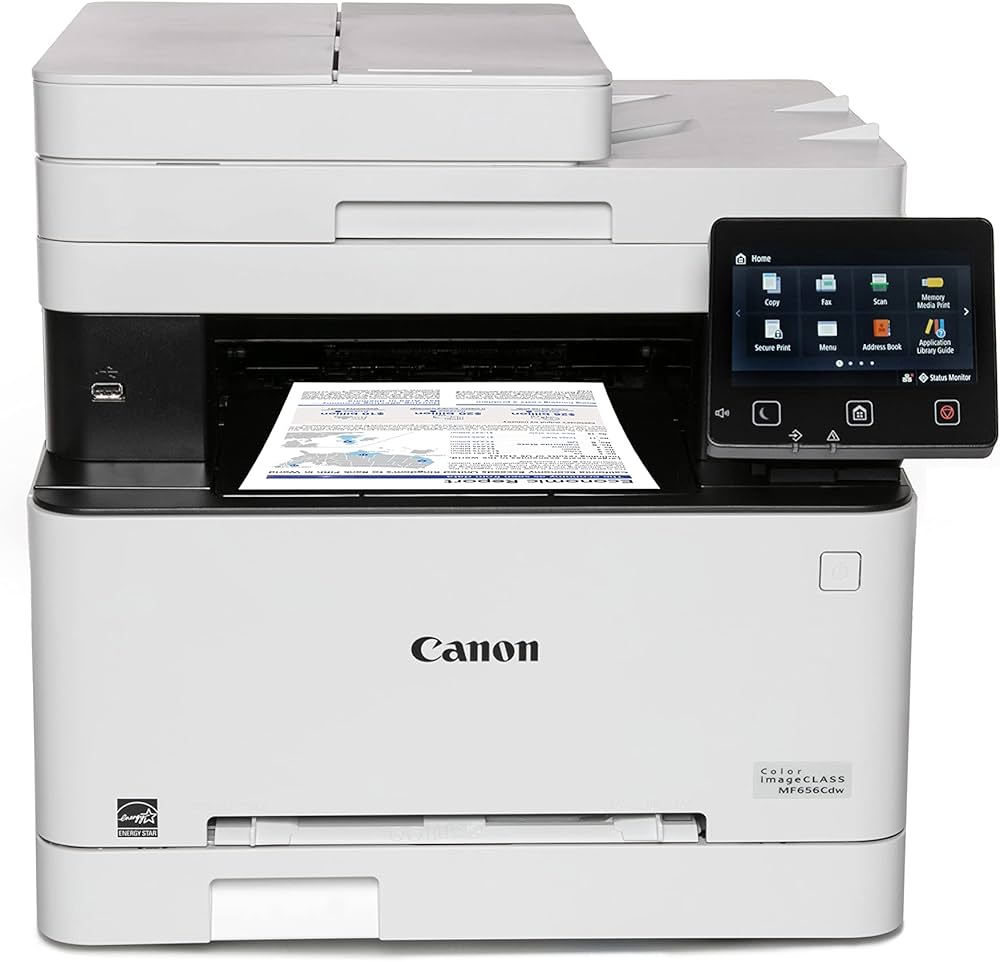
The Canon imageCLASS MF663Cdw stands out for teams that need scanning and copying capabilities alongside printing, thanks to its included automatic document feeder. The HP LaserJet Pro MFP 3301sdw offers robust mobile printing features ideal for hybrid workspaces. For those prioritizing the lowest upfront cost without sacrificing speed, the Brother HL-L3270CDW and Xerox B225DNI provide strong performance in a smaller footprint.
Best overall value
The Brother MFC-L3770CDW stands out as the best overall value for small businesses needing an affordable color laser printer. It balances speed, connectivity, and essential office features without the premium price tag of higher-end models. This machine handles high-volume monthly tasks with ease, making it a reliable workhorse for busy offices.
It features a 2.7-inch color touchscreen that simplifies navigation, allowing users to set up duplex printing, scan to email, or copy documents quickly. The automatic document feeder supports up to 50 sheets, streamlining multi-page tasks. Wireless connectivity and mobile printing options ensure seamless integration into modern workflows.
For businesses prioritizing versatility, the all-in-one functionality covers printing, scanning, copying, and faxing. The compact footprint fits comfortably on standard desks or in small office spaces. Its robust paper handling and low cost per page make it a smart long-term investment for growing companies.

As an Amazon Associate, we may earn from qualifying purchases.
Best for compact spaces
Startups and home offices often operate in tight quarters where every square inch counts. A bulky color laser printer can quickly dominate a shared desk or clutter a small corner, making mobility and footprint the deciding factors for many buyers. Choosing a model with a smaller footprint allows you to keep your workspace clear without sacrificing the speed and reliability of laser technology.
When evaluating compact options, look for units that balance a small physical size with a manageable paper tray capacity. Some manufacturers design printers that are narrow enough to fit on a standard office desk, while others prioritize height reduction to sit comfortably under shelves. The goal is to find a machine that prints vibrant color documents efficiently but tucks away neatly when not in use.
The following models are recognized for their space-saving designs, making them ideal for environments where floor space is at a premium.

As an Amazon Associate, we may earn from qualifying purchases.
Best for high volume needs
When your small business prints hundreds of pages a week, the standard affordable models start to show their limits. Paper jams, frequent toner changes, and slower print speeds can disrupt workflow. For these heavier demands, investing in a slightly more expensive, durable model pays off in reliability and reduced downtime.
The Canon imageCLASS MF663Cdw is a strong candidate for this tier. As a wireless duplex color laser all-in-one, it handles large document volumes with a 50-sheet automatic document feeder (ADF) for scanning and copying multi-page files. This machine is built for offices that need to process contracts, invoices, and marketing materials consistently without constant maintenance.
While it costs more upfront than entry-level options, the higher duty cycle and robust build quality make it a better long-term asset for busy teams. It balances speed, connectivity, and durability, ensuring your printing infrastructure doesn't become a bottleneck.
As an Amazon Associate, we may earn from qualifying purchases.
Maintenance and toner costs
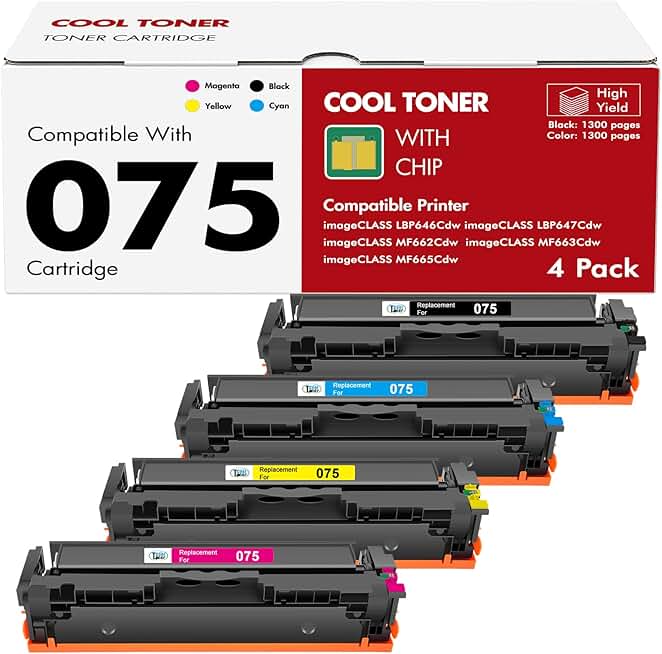
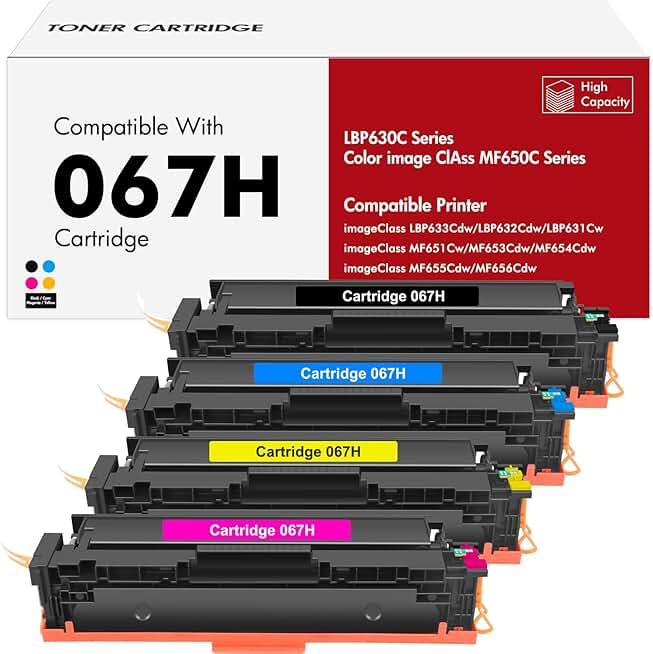
The sticker price of a color laser printer is only the beginning. Long-term ownership depends heavily on toner yield and replacement frequency, which can quickly erode the savings of an affordable model. High-yield cartridges are essential for small businesses that print regularly, as standard-yield options often require frequent swaps that add up in both cost and downtime.
When evaluating options, look for manufacturers that offer clear yield metrics for their color cartridges. Some models, like the Brother DCP-L2640DW, are noted for having a low average printing cost per page, often around 3.1 cents, making them economical for moderate-volume offices. This efficiency comes from robust toner formulations and higher page yields compared to entry-level competitors.


As an Amazon Associate, we may earn from qualifying purchases.
Always check the price per page for cyan, magenta, and yellow separately. In many color laser printers, the black cartridge lasts significantly longer than the color ones, meaning you may need to replace color toners more often than expected. Choosing a printer with widely available, third-party compatible toners can also reduce long-term expenses without sacrificing print quality.
Frequently asked: what to check next
Is a color laser printer worth it for a small business?
Yes, if you print color documents regularly. Toner doesn’t dry out like ink, making it more reliable for occasional use. While the upfront cost is higher, the cost per page is usually lower for color prints, saving money over time.
How long do color laser printers last?
With regular maintenance, a quality model can last five to seven years. Key parts like the drum unit and fuser may need replacement sooner, but the main engine is built for durability. Regular cleaning and using genuine supplies extend lifespan.
Can I use a color laser printer for photos?
You can print decent-quality photos, but they won’t match a dedicated photo printer. Laser printers excel at sharp text and graphics. For high-end photo prints, stick to an inkjet. For business reports with color charts, lasers are superior.
Do color laser printers have high running costs?
Toner cartridges are more expensive upfront than ink, but they last longer. A single set of toner can print thousands of pages. For small businesses with moderate color volume, the total cost of ownership is often lower than inkjet alternatives.
No comments yet. Be the first to share your thoughts!