
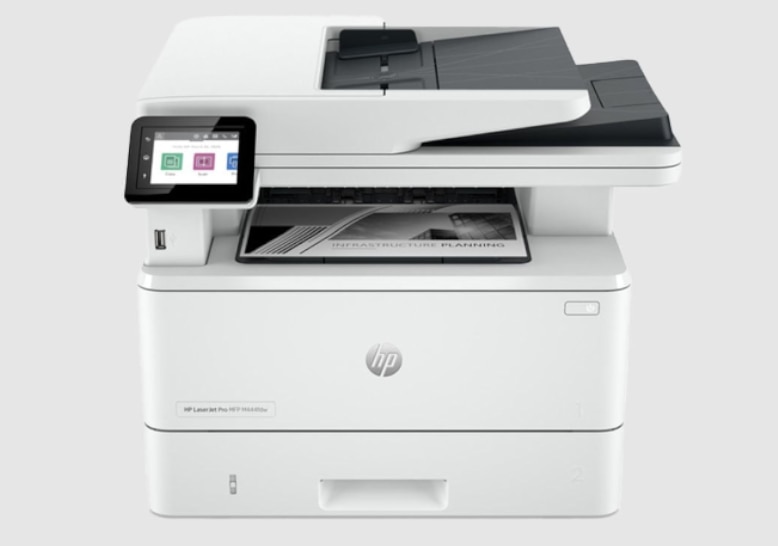

Choosing the right small business printer
Selecting a small business printer requires looking past marketing specs and focusing on how your team actually works. The gap between a home office setup and a busy retail shop is wide, and picking the wrong machine often leads to bottlenecks, wasted toner, or frustrating connectivity issues. Before you browse the top-rated wireless options, define your baseline needs for volume, color, and mobility.
Volume and Duty Cycle
Page yield and monthly duty cycles are the most critical metrics for longevity. A printer rated for 1,000 pages a month will fail quickly if your team prints 2,000. For high-volume environments, laser engines are the standard because they handle large jobs without overheating. For moderate use, inkjet models like the Epson EcoTank ET-4850 offer lower cost-per-page through refillable tanks, making them ideal for teams that print color documents regularly but don’t need enterprise-grade speed.
Color vs. Monochrome
If your business relies on invoices, internal memos, or technical manuals, a monochrome laser printer like the Canon i-SENSYS series saves money and runs faster. However, if you design marketing materials, create client proposals, or need to print photos, color is non-negotiable. All-in-one color inkjets like the HP OfficeJet Pro 9135e provide scanning and copying alongside printing, consolidating desk space. Avoid color if you only occasionally need it; the cost of color toner or ink cartridges adds up significantly over time.
Mobility and Connectivity
Wireless capability is standard, but not all wireless connections are equal. Ensure the printer supports your network infrastructure. If your team moves around, look for models with robust mobile printing apps or cloud integration. For small offices with limited space, an all-in-one unit reduces clutter. For larger teams, consider a network-ready printer that can be placed in a central location rather than on every desk.
Tip: Prioritize duty cycle over paper size when selecting a model for growing teams. A higher duty cycle ensures the printer survives peak seasons without breaking down.
Concrete Examples to Consider
- High Volume, Monochrome: OKI B432DN – Built for heavy text printing with fast first-page-out times.
- Color All-in-One: HP OfficeJet Pro 9135e – Strong wireless features and good color quality for marketing materials.
- Low Cost-Per-Page: Epson EcoTank ET-4850 – Tank-based system reduces ongoing ink costs for moderate color printing.
- Reliable Monochrome: Canon i-SENSYS – Proven durability for standard office document workflows.
Top-rated wireless printers for 2026
Finding the right small business printer often comes down to balancing speed, reliability, and ongoing costs. For 2026, the market has shifted toward models that handle high-volume wireless printing without demanding constant maintenance or expensive proprietary ink.
The HP LaserJet Pro series remains a staple for teams needing consistent color output. Its wireless connectivity is robust, and the toner cartridges generally last longer than standard ink tanks, making it a strong choice for offices where uptime matters more than the lowest upfront price. Similarly, Brother’s MFC and DCP lines are praised for their mechanical reliability and the availability of third-party toner, which helps keep long-term operating costs down.
For those prioritizing mobility, the HP OfficeJet 250 stands out with its compact, backpack-friendly design and rechargeable battery. It’s an excellent option for field-based small businesses or remote workers who need to print from a café or client site. Meanwhile, EcoTank models like the Epson ET-4850 appeal to businesses that print in high volumes, as the refillable ink system significantly reduces the cost per page over time.
Below, we’ve curated a selection of these top-rated wireless options. Each entry includes a direct link for purchase, allowing you to compare current pricing and availability.


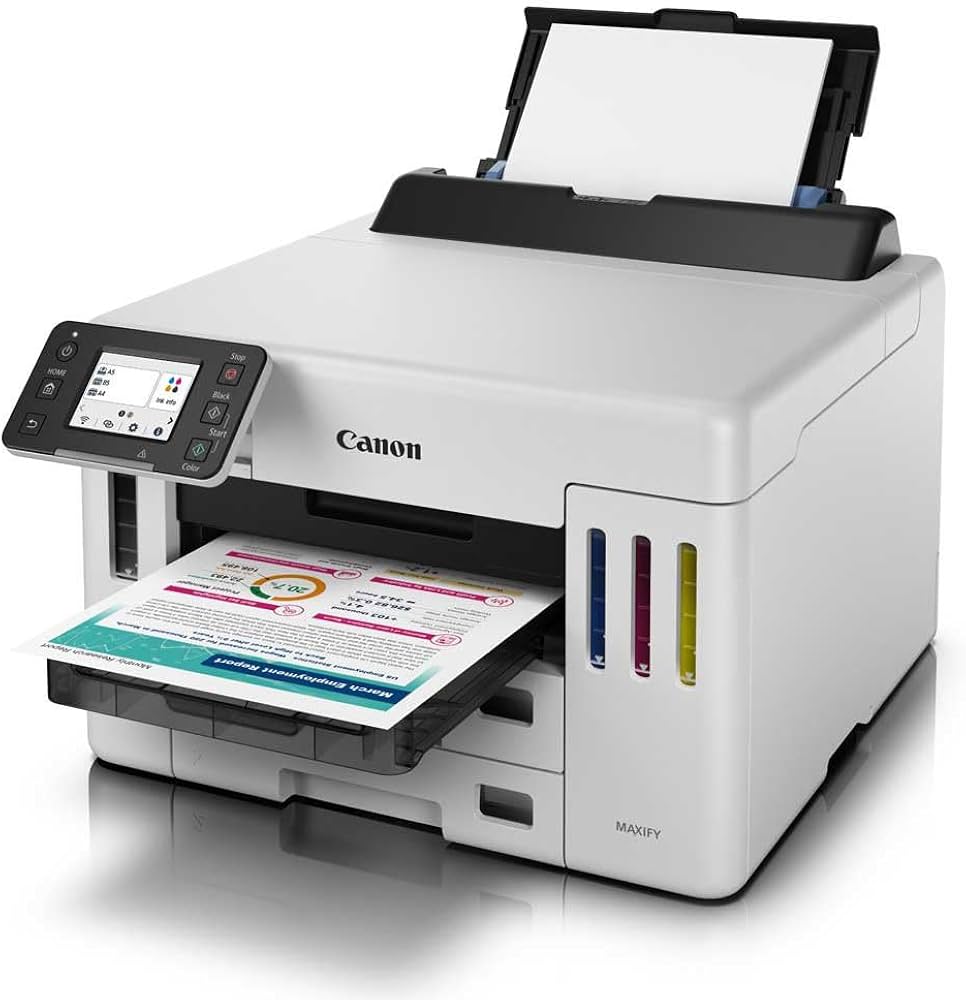
As an Amazon Associate, we may earn from qualifying purchases.
Comparing key features side by side
Best Small Business Printers of troubleshooting should start with a clear boundary: what is actually broken, and what still works normally. Check the display, network connection, paired devices, app access, and recent updates before assuming the whole system needs a reset. A small connection failure can make the main screen feel unreliable even when the core system is fine. Work from low-risk checks to deeper resets. Confirm power state, safe parking, account access, and signal first. Then restart the interface, wait for it to reload completely, and test the original symptom. Avoid changing multiple settings at once because that makes it harder to know which step actually fixed the problem. If the issue affects safety information, repeats after every restart, or appears with warning messages, treat the reset as a temporary diagnostic step rather than the final fix. Document the symptom and move to official support instead of stacking more DIY attempts.
| Factor | What to check | Why it matters |
|---|---|---|
| Fit | Match the option to the primary use case. | A good deal still fails if it does not fit the job. |
| Condition | Verify age, wear, and service history. | Hidden condition issues erase upfront savings. |
| Cost | Compare purchase price with likely upkeep. | The cheapest option is not always the lowest-cost option. |
Strategies to save on printing costs
Printing expenses often slip past small business owners because they focus on the hardware price tag rather than the ongoing cost of consumables. Toner and ink represent the largest recurring expense for any office, so choosing the right equipment and supplies is the most effective way to cut monthly overhead. The goal is to minimize the cost per page without sacrificing reliability or speed.
Choose printers with third-party toner support
Not all printers are created equal when it comes to long-term costs. Some manufacturers lock you into expensive proprietary cartridges, while others allow for affordable third-party alternatives. Brother printers, for example, are widely recognized in small business communities for their compatibility with independent toner suppliers. This flexibility means you can swap out expensive original cartridges for cheaper, high-yield alternatives without voiding your warranty or risking print quality.
Prioritize high-yield and monochrome options
If your business primarily prints documents rather than photos, a monochrome laser printer is usually the smarter financial choice. Black toner is significantly cheaper to produce than color ink, and high-yield cartridges can last for thousands of pages. By sticking to black-and-white for internal reports, invoices, and contracts, you reduce the frequency of cartridge replacements and avoid the higher cost of color ink maintenance.
Implement print management habits
Even the best hardware won’t save money if usage is unchecked. Simple habits like setting default duplex (double-sided) printing and requiring confirmation before printing large jobs can drastically reduce waste. Many modern business printers offer user-specific printing, where documents only print when the employee enters a PIN at the device, preventing forgotten or misprinted pages from accumulating in the tray.
No comments yet. Be the first to share your thoughts!