

Defining carbon-neutral printing
Carbon-neutral printing isn’t simply about using recycled paper, though that’s definitely a piece of it. It’s about minimizing the environmental impact across the entire lifecycle of a printed document – from the extraction of raw materials used to manufacture the printer itself, all the way through shipping, daily energy use, and eventual disposal. It’s a complex calculation, and achieving true zero impact is incredibly difficult. However, substantial reductions in carbon footprint are absolutely within reach.
The concept considers everything. Think about the energy required to create the toner, the plastics in the printer’s casing, the fuel used to transport everything, and the waste generated when a cartridge is thrown away. Companies are increasingly focused on this holistic view, and it’s driven by more than just public relations. While positive brand image is a factor, consumer demand for sustainable products is growing, and many businesses are discovering that eco-friendly practices can actually lead to cost savings.
I've seen a shift in the last few years. Businesses are starting to understand that sustainability isn't a niche concern; it's a core business imperative. Regulations are also playing a role, with increased scrutiny on corporate environmental responsibility. Midland Paper's 2026 Guide to Winning Sustainable Print Contracts notes that customers are actively seeking partners who can demonstrate a commitment to environmentally sound practices. This translates to a real competitive advantage for printers who can deliver.
Calculating a precise carbon footprint is messy. Manufacturing processes vary wildly between brands, but that isn't an excuse to ignore the data we do have. Even incremental improvements – using more recycled materials, reducing energy consumption, and improving recycling programs – can make a significant difference. The goal isn’t necessarily perfection, but continuous improvement.
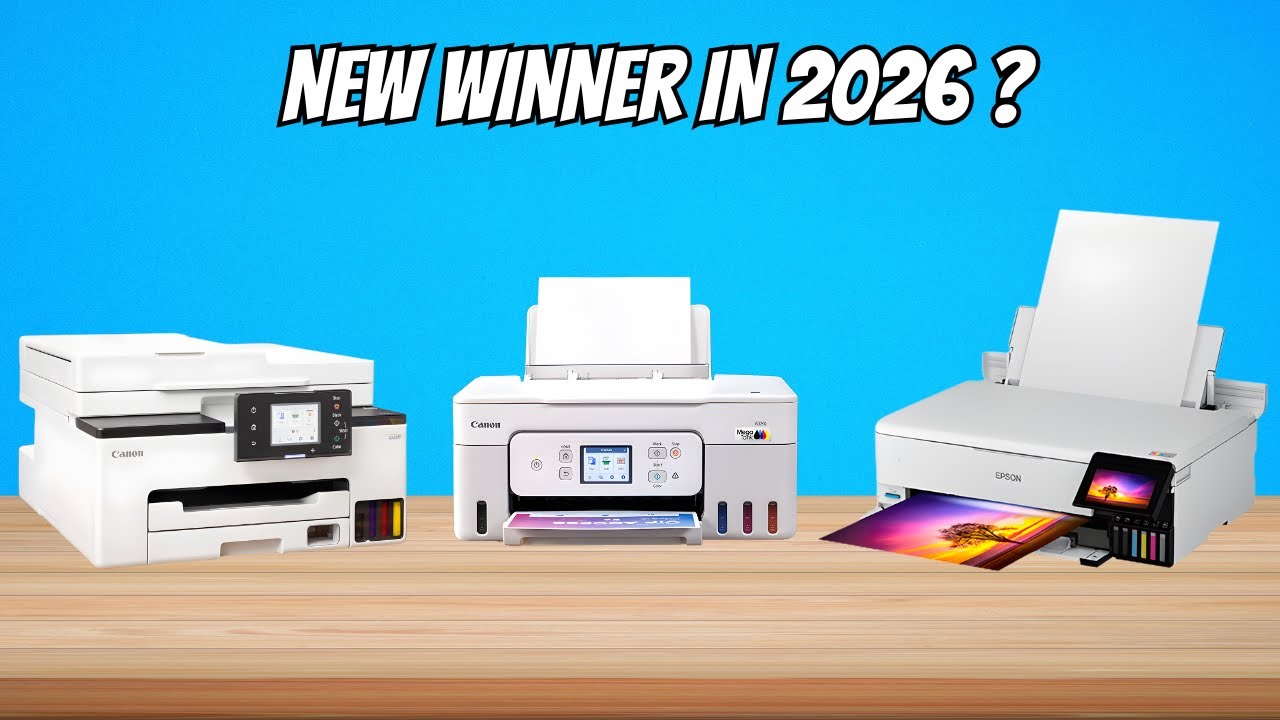
Seven standout eco-printers for 2026
Finding printers explicitly marketed as 'carbon-neutral' is still relatively rare. Most manufacturers focus on specific features that contribute to sustainability. I’ve compiled a list of seven models – available now or anticipated for release in 2026 – that represent a strong commitment to reducing environmental impact. These cover a range of price points and printing needs, from home offices to larger workgroups.
First, the HP LaserJet Enterprise 630dn. It’s Energy Star certified and utilizes a closed-loop toner cartridge recycling program. HP has made significant strides in using recycled plastics in its printers, and this model is no exception. While not the fastest printer, it balances sustainability with reliable performance. Next, the Epson EcoTank ET-M1160. These tank printers drastically reduce waste by eliminating traditional cartridges. You simply refill the tanks with bottled ink, which is often available in recycled packaging.
The Brother MFC-L3770CDW is another strong contender. It’s EPEAT Gold certified, meaning it meets rigorous environmental criteria. It also features duplex printing as standard, reducing paper consumption. For higher volume printing, the Lexmark CX825de is worth considering. Lexmark has a robust cartridge recycling program and focuses on energy efficiency in its designs. It includes features like automatic duplex printing and a power-saving mode.
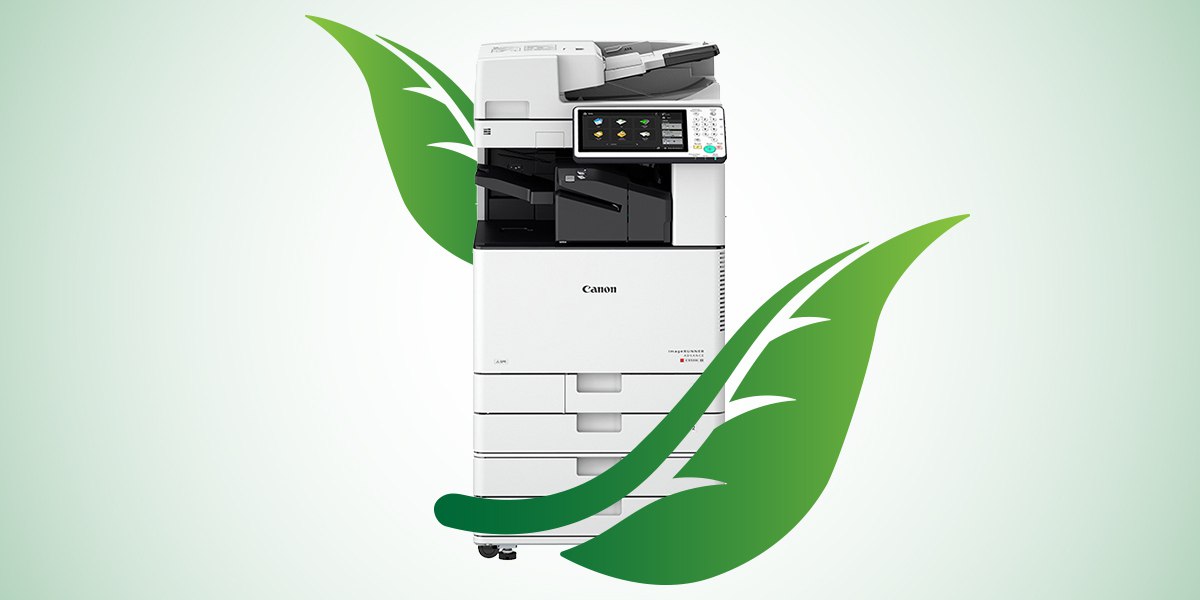
Looking ahead to 2026 releases, Canon’s imageRUNNER ADVANCE DX series is promising. Canon is investing heavily in bioplastics for printer components, aiming to reduce reliance on fossil fuels. The Ricoh IM C300SRF is also generating buzz, with a focus on recycled content and a modular design for easier repair and upgrades. Finally, Xerox’s B315V_II is noteworthy for its commitment to reducing packaging waste and its comprehensive recycling program. It’s a solid choice for small businesses looking for a reliable and eco-conscious printer.
Specs vary across these models. The HP LaserJet Enterprise 630dn prints 38 pages per minute, while the Epson EcoTank ET-M1160 hits about 15. I prioritized sustainability over raw speed for this list. Resolution is also a factor; most of these models offer at least 600 x 600 dpi, but some can reach 1200 x 1200 dpi or higher. However, I prioritized sustainability features when making these selections.
Eco-Friendly Printers for 2026: A Comparative Overview
| Printer Model | Price Range | Energy Star Certified | Recycled Content | Toner Recycling Program | Key Eco Feature | Best Use Case |
|---|---|---|---|---|---|---|
| HP LaserJet Pro M15w | Around $150 - $200 | Yes | Up to 10% post-consumer recycled plastic | Yes (HP Planet Partners) | Compact design minimizes material use | Home/Small Business |
| Brother HL-L2370DW | $180 - $250 | Yes | Up to 75% recycled content in packaging | Yes (Brother Recycling Program) | Duplex printing is standard, reducing paper consumption | Home/Small Business |
| Epson EcoTank ET-2850 | $200 - $300 | Yes | Designed for refillable ink tanks, reducing plastic waste | Yes (Epson America) | Supertank system drastically reduces ink cartridge waste | Home/Small Business |
| Canon imageCLASS MF449dw | $300 - $400 | Yes | Utilizes recycled materials in construction | Yes (Canon Recycling Program) | Low-power consumption in sleep mode | Small Business/Workgroup |
| Lexmark MC3326adw | $400 - $500 | Yes | Designed for durability and longevity, reducing replacement frequency | Yes (Lexmark Cartridge Collection Program) | Comprehensive energy management features | Small Business/Workgroup |
| Dell Smart Multifunction Printer S3840dw | $350 - $450 | Yes | Constructed with bio-based plastics | Yes (Dell Reconnect Program) | Focus on reducing overall environmental impact throughout the product lifecycle | Small Business |
| Ricoh SPC3610SF | $250 - $350 | Yes | Designed for energy efficiency and reduced waste | Yes (Ricoh Sustainable Printing Program) | Sleep mode and energy-saving features | Small Business/Workgroup |
Illustrative comparison based on the article research brief. Verify current pricing, limits, and product details in the official docs before relying on it.
What eco-labels actually mean
The world of eco-labels can be confusing. Just because a printer has a "green’ label doesn’t automatically mean it’s environmentally superior. It’s crucial to understand what each certification actually requires. Energy Star, for instance, signifies that the printer meets specific energy efficiency standards set by the U.S. Environmental Protection Agency. It’s a good starting point, but it doesn"t address all aspects of sustainability.
EPEAT (Electronic Product Environmental Assessment Tool) is a more comprehensive standard. It evaluates a product’s lifecycle impact across multiple categories, including materials, manufacturing, energy use, and recyclability. EPEAT has different levels of certification – Bronze, Silver, and Gold – with Gold representing the highest level of environmental performance. The Blue Angel label, common in Europe, is similarly rigorous, focusing on low emissions, noise levels, and resource conservation.
Unfortunately, "greenwashing’ – misleading marketing claims about environmental benefits – is a real concern. Some manufacturers may emphasize a single eco-friendly feature while ignoring other significant environmental impacts. Look for concrete data and third-party certifications to verify claims. Don’t be swayed by vague statements like ‘environmentally friendly’ or ‘sustainable" without supporting evidence. Always check the full criteria of the label, not just the logo.
Be skeptical. Use the EPEAT registry to check specific models against their criteria rather than trusting a brochure. Independent verification is the only way to cut through the marketing fluff.
Hidden savings in toner and paper
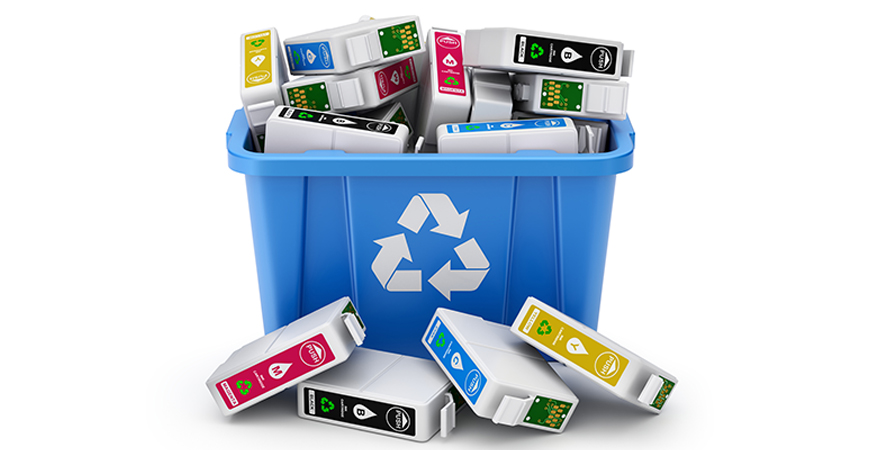
The printer itself is only part of the cost equation. Toner cartridges and paper consumption can significantly impact both your budget and the environment. High-yield toner cartridges are a smart investment. While they cost more upfront, they produce more pages, reducing the frequency of replacements and minimizing plastic waste. Remanufactured or recycled toner cartridges are another excellent option.
Remanufactured cartridges are typically cheaper than new ones and offer comparable print quality. They’re created by disassembling, cleaning, and refilling used cartridges. However, quality can vary, so choose a reputable supplier. When it comes to paper, opting for recycled content is a simple yet effective way to reduce your environmental impact. Look for paper with a high percentage of post-consumer recycled content.
Alternatives like bamboo or hemp paper are gaining traction, but they’re currently more expensive than traditional recycled paper. FSC (Forest Stewardship Council) certification is also important. It ensures that the paper comes from responsibly managed forests. Features like duplex printing (printing on both sides of the page) and utilizing the print preview function can dramatically reduce paper consumption. These are simple habits that add up over time.
The savings can be substantial. Switching to high-yield cartridges and duplex printing can reduce printing costs by 20-30%, according to some estimates. Using recycled paper may be slightly more expensive per ream, but the overall environmental benefits are worth the investment. Reducing paper usage also lowers storage costs and minimizes waste disposal fees.
Lifecycle management and recycling
Responsible e-waste disposal is critical. Printers contain hazardous materials that can harm the environment if not handled properly. Don’t simply throw your old printer in the trash. Many manufacturers offer take-back programs where you can return your used printer for recycling. HP, for example, has a comprehensive recycling program available on their website.
The goal is to recover valuable materials from the printer, such as metals and plastics, and reuse them in new products. This reduces the need to extract virgin resources and minimizes landfill waste. Extended producer responsibility (EPR) schemes are becoming increasingly common, requiring manufacturers to take responsibility for the end-of-life management of their products.
These schemes incentivize manufacturers to design products that are easier to disassemble and recycle. It’s about shifting the burden of responsibility from consumers and municipalities to the producers themselves. Before disposing of a printer, be sure to remove any remaining toner cartridges and recycle them separately. Check with your local recycling center for information on e-waste disposal options.
Thinking beyond the initial purchase is key. Consider the long-term environmental impact of your printing choices and prioritize products from manufacturers who are committed to responsible lifecycle management. This isn’t just good for the planet; it's good for your business’s reputation.
Bioplastics and carbon capture
The future of eco-friendly printing is likely to involve even more innovative materials and technologies. Bioplastics, made from renewable resources like cornstarch or sugarcane, are emerging as a potential alternative to traditional petroleum-based plastics in printer cartridges and components. While still in early stages of development, bioplastics have the potential to significantly reduce the carbon footprint of printing.
Carbon capture initiatives within the printing industry are also gaining attention. These involve capturing carbon dioxide emissions from manufacturing processes and either storing them underground or using them to create new products. These technologies are still expensive and require significant investment, but they represent a promising avenue for reducing the industry’s environmental impact.
3D printing may also play a role in the future. For certain applications, 3D printing can eliminate the need for traditional printing altogether, reducing paper consumption and waste. However, 3D printing is not suitable for all types of documents and may have its own environmental challenges. I'm not sure about the long-term viability of these technologies, but they’re worth watching.
The printing industry is evolving, and sustainability is becoming a central focus. While challenges remain, ongoing innovation and a commitment to responsible practices will pave the way for a more eco-friendly future for printing. Expect to see more manufacturers embracing circular economy principles and investing in sustainable materials and technologies.
No comments yet. Be the first to share your thoughts!